Stop-Motion Animation Classes for Kids in Scottsdale
Private lessons in my North Scottsdale studio, online, or at home across Scottsdale and Phoenix. Ages 5 and up, no experience needed.


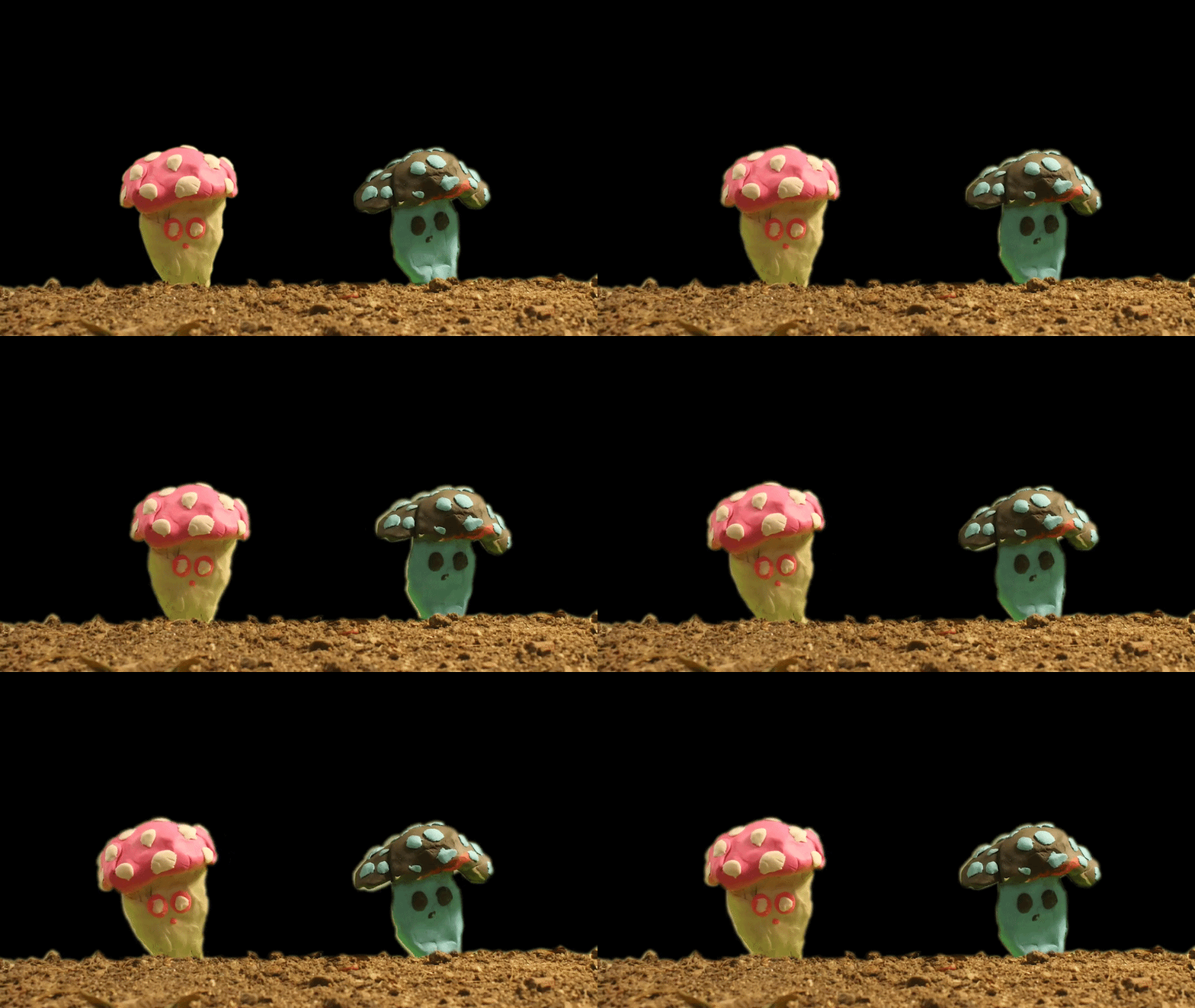
For nearly 15 years I've taught kids computer animation, filmmaking and stop-motion, and stop-motion is the one I love most. The craft itself is timeless and charming, and kids are hooked within minutes. I teach stop-motion animation lessons at my studio in Scottsdale, Arizona, online, and in families' homes across Scottsdale and Phoenix. Here's a look at what kids learn and how a lesson unfolds!
Stop-motion: the heart of filmmaking
Stop-motion animation is the heart of filmmaking, and it's where so much of it began. Some of the earliest movie magic was made by moving a clay model a tiny bit, snapping a frame, and doing it again. When kids make a stop-motion film, they're learning filmmaking from the ground up: building, lighting, framing, timing and sound, all with their own hands.
Twelve photos make one second of movement. Once a kid sees that, the lightbulb goes on, and everything else in animation, from computer animation to 3D software, gets a whole lot easier.
What students make
Every student finishes with three things they can be proud of:
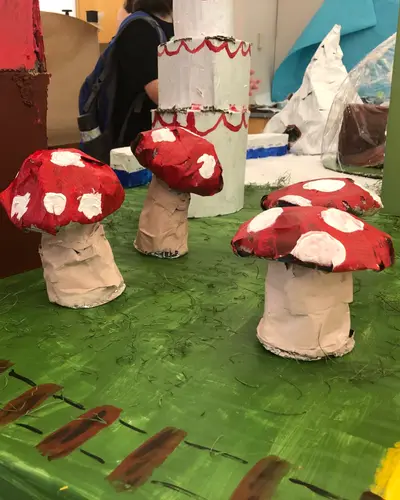
Their own world
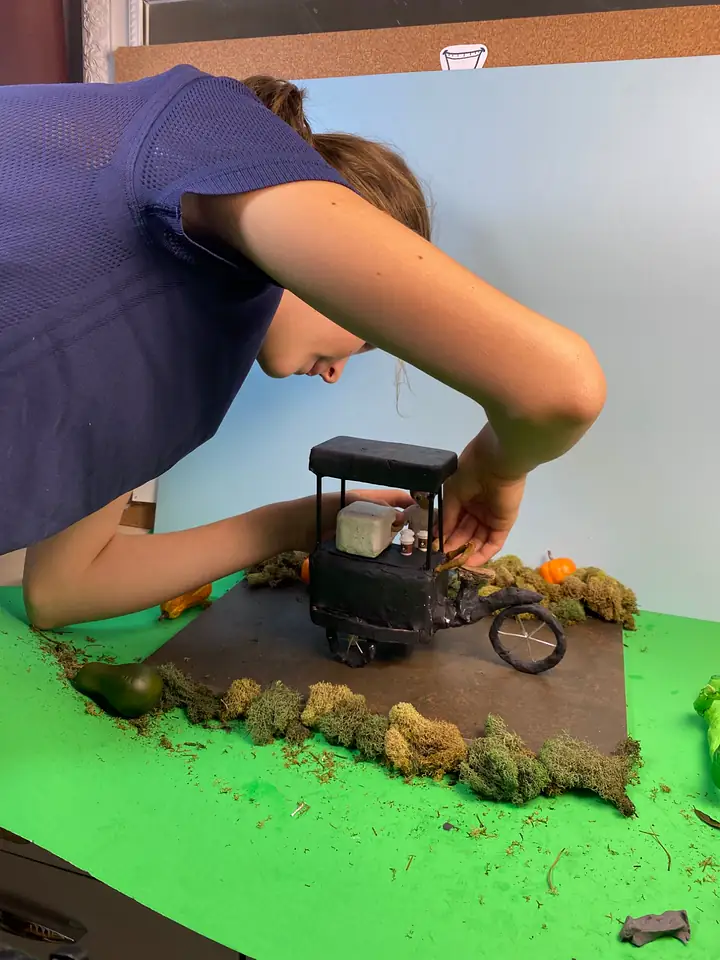
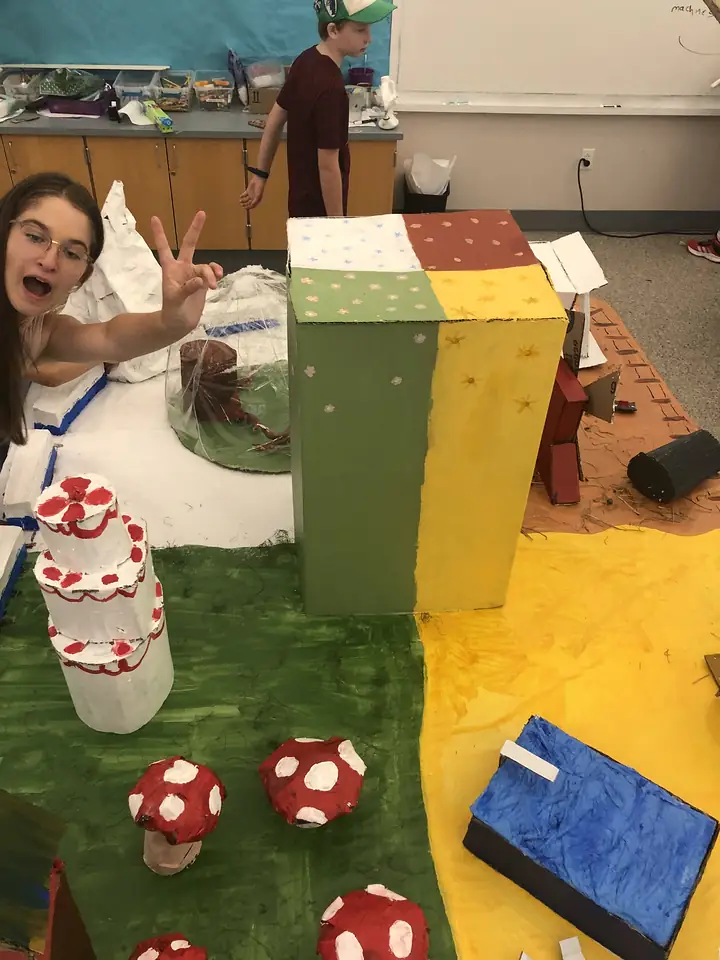
A set built from cardboard, balsa wood, handmade props and paint: a city, a jungle, outer space or whatever they dream up.
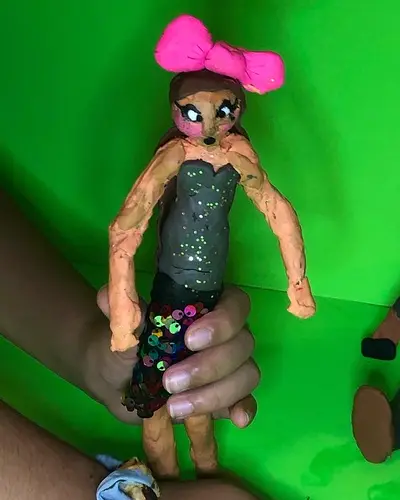
Their own characters
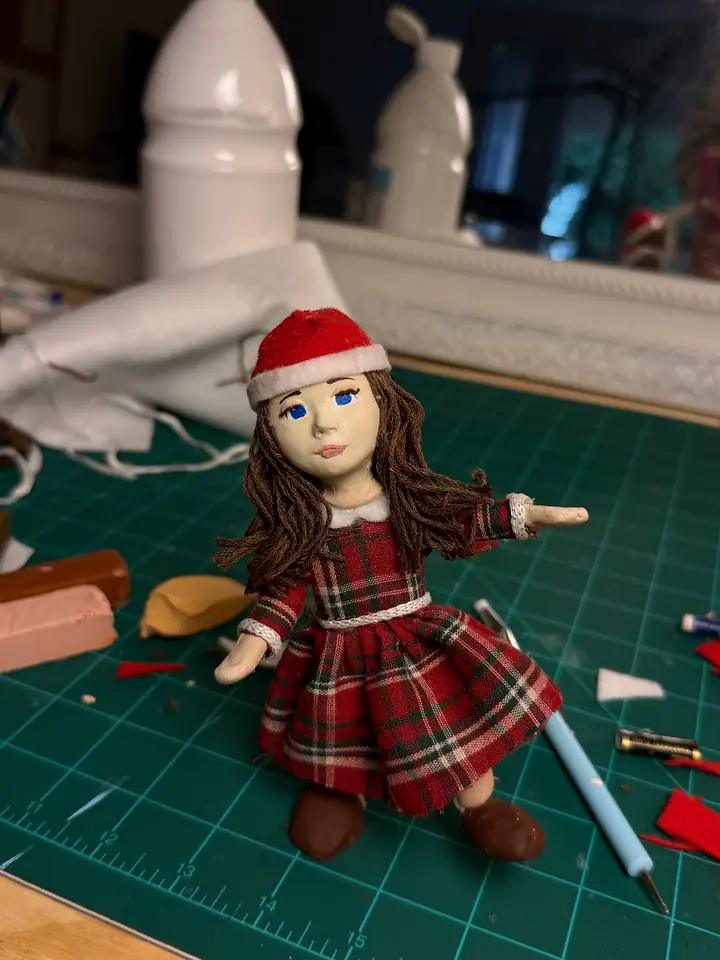
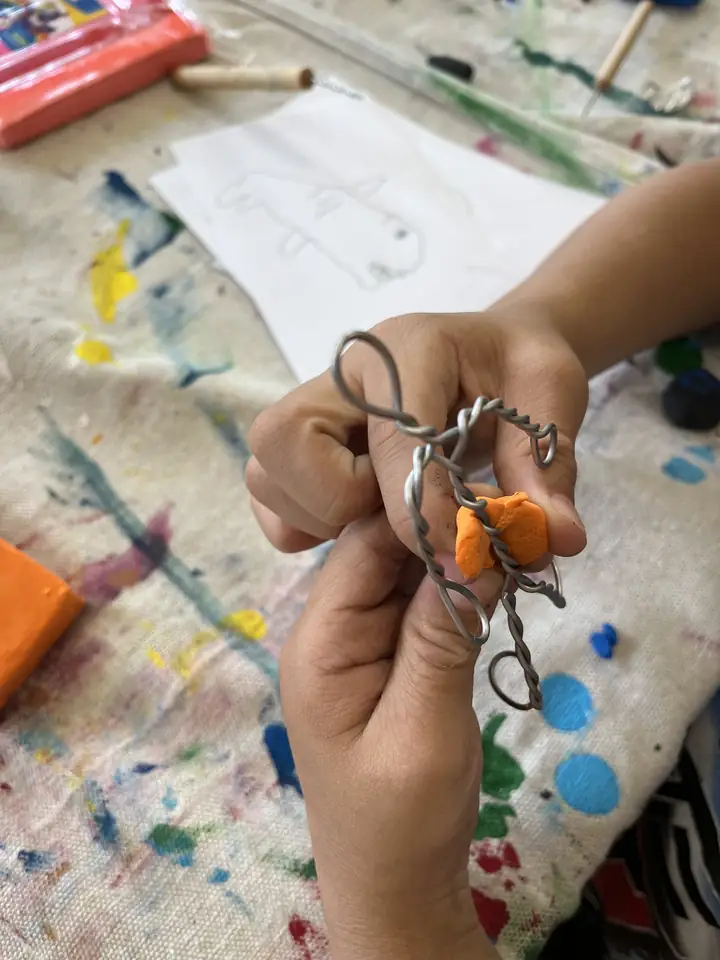
Sculpted from clay over a wire skeleton, so they can walk, wave and jump.
A finished film with sound
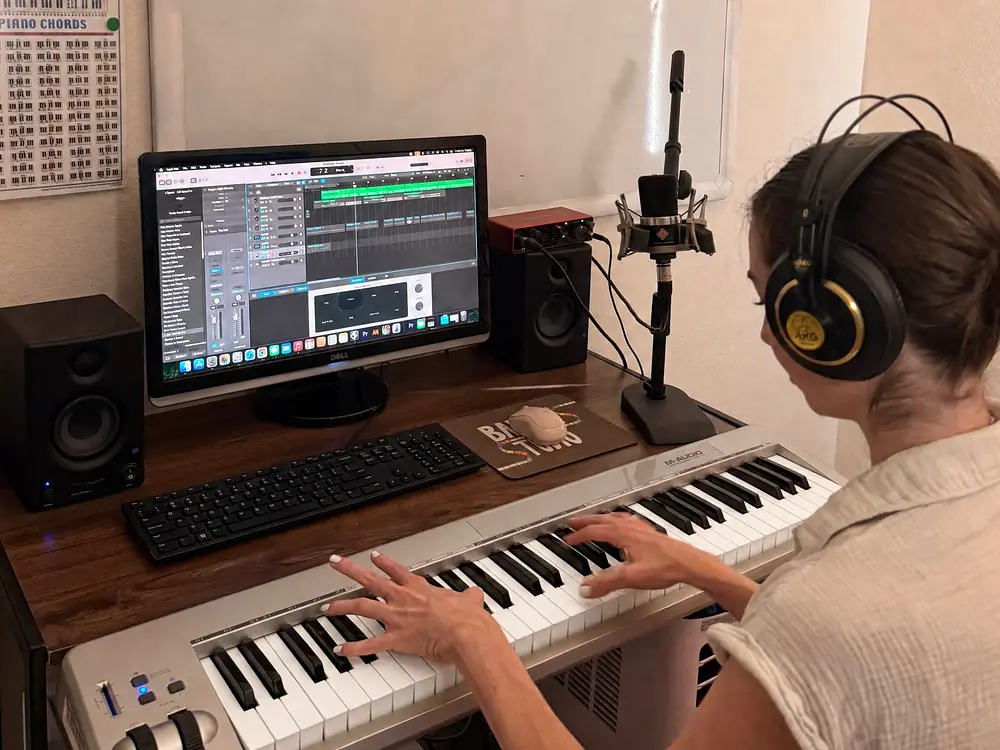
Voiceover, sound effects and an original soundtrack, all recorded in my studio.
My son absolutely loves his classes with Barrett. He talks about it all week!
— Jennifer, parentHow a lesson works
Whether we're in my Scottsdale studio, on a video call or at your kitchen table, every film follows the same six steps, and each student moves through them at their own pace.
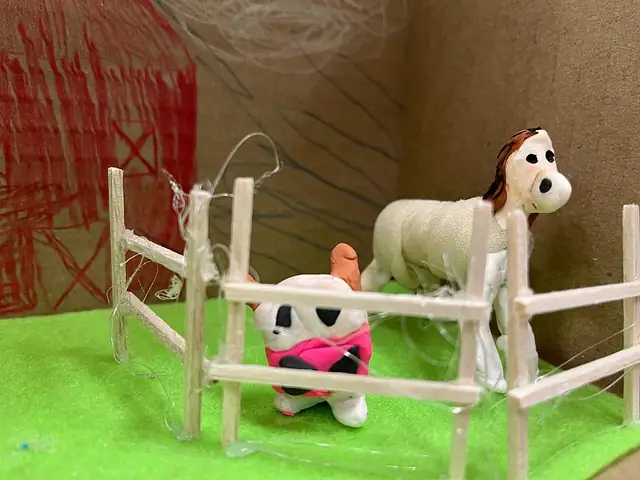
Build the world
With cardboard and paint, students build the set where their story takes place.
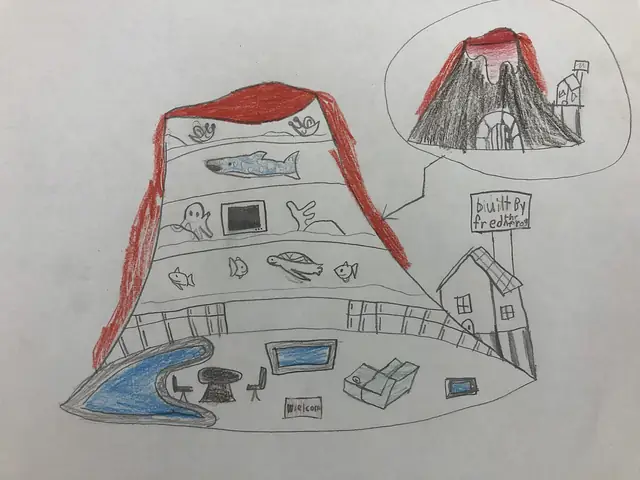
Create a storyboard
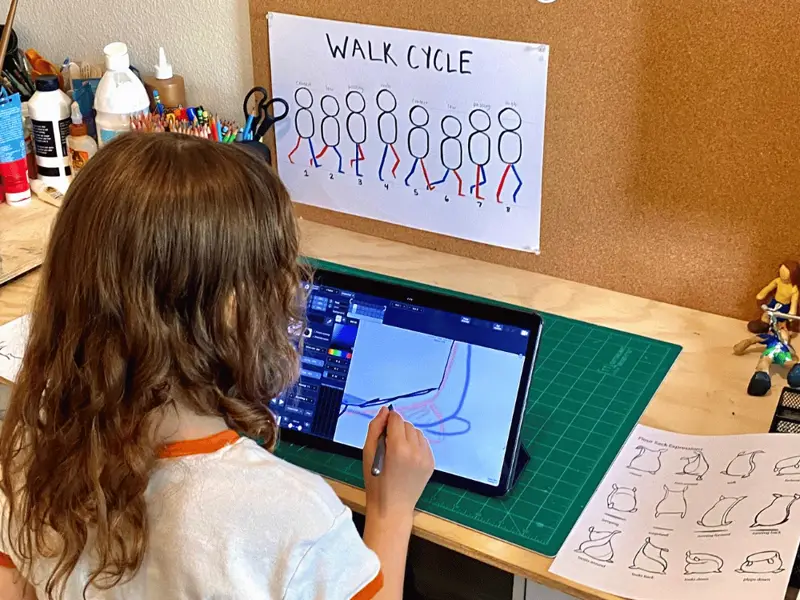
Students sketch their story shot by shot, so they know what to build and what to film. Some plan every frame, others sketch a few key moments and figure out the rest as they go. Either way, I help them shape it.
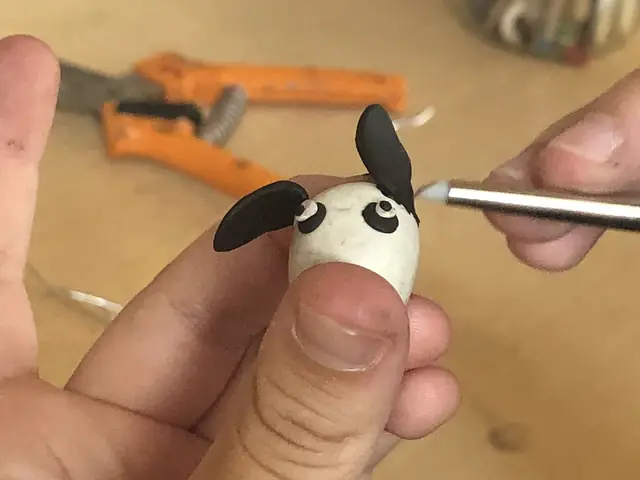
Make the characters
Clay and wire become characters that can bend, pose and emote.
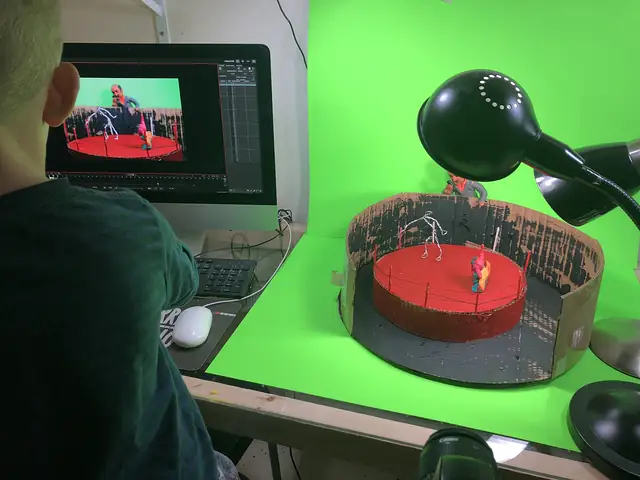
Animate
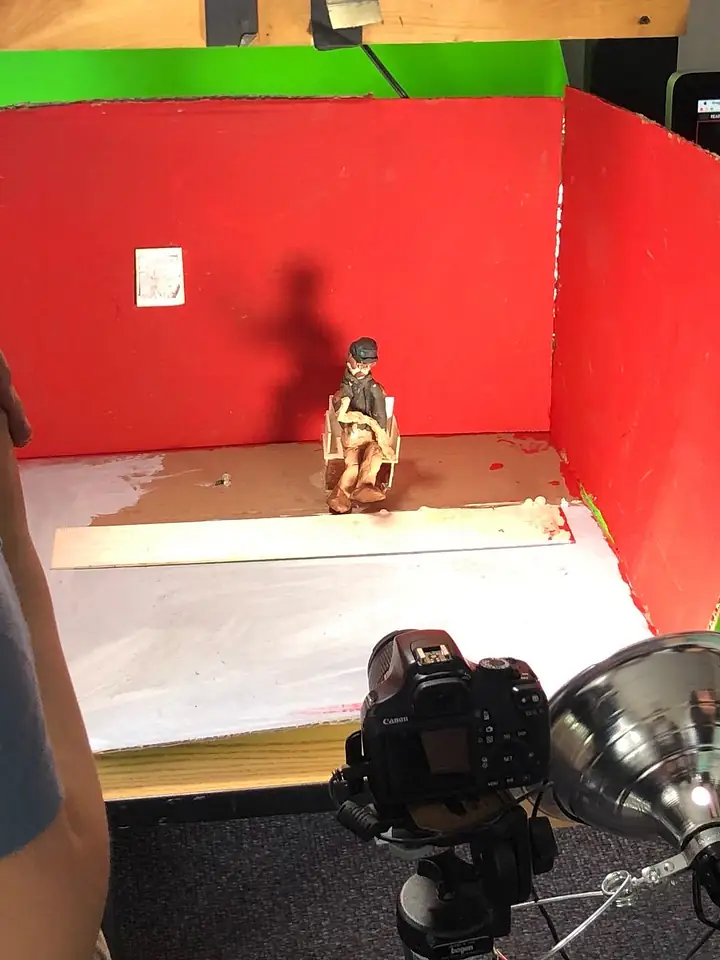
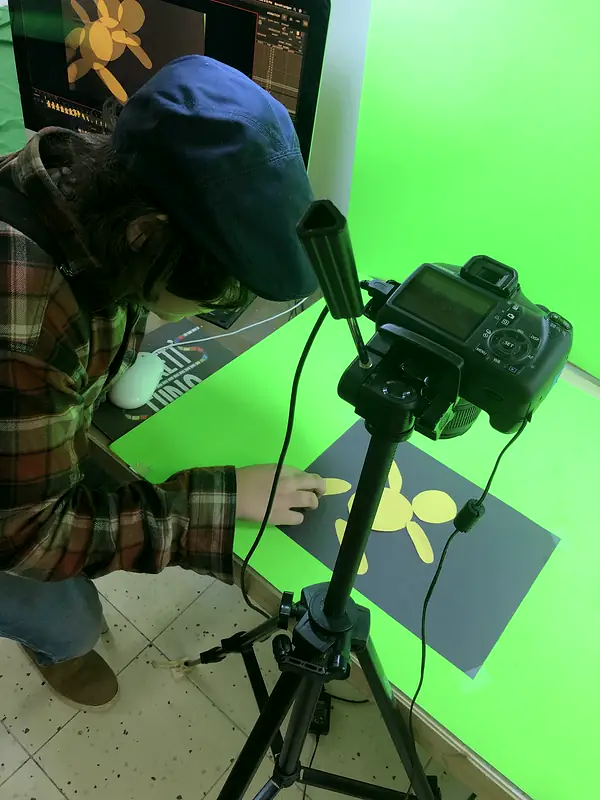
Students animate frame by frame under the studio lights, with me right there to help.
Add sound
In the recording studio, students record voiceover, make sound effects and compose music for their film.
Premiere
We watch the finished film together, and then it's ready to share with family.
Inside a lesson
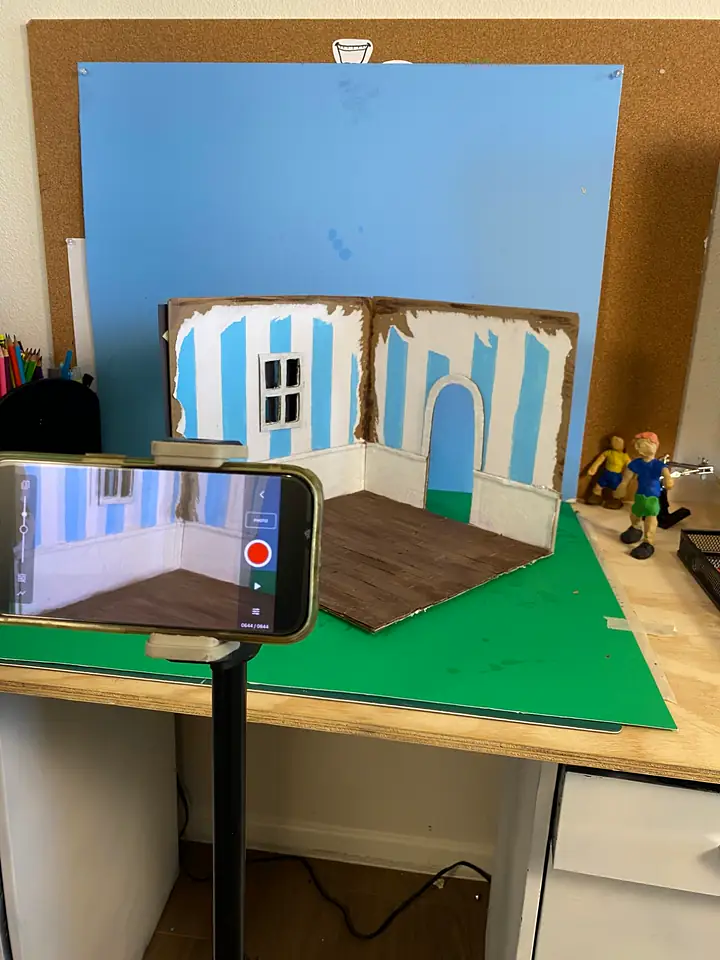
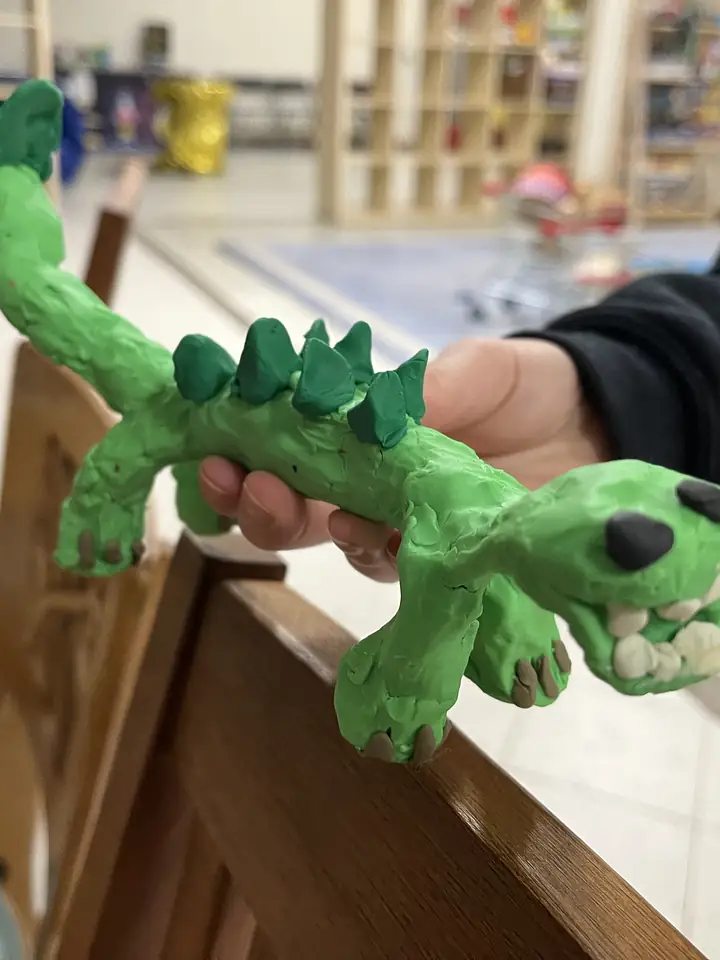
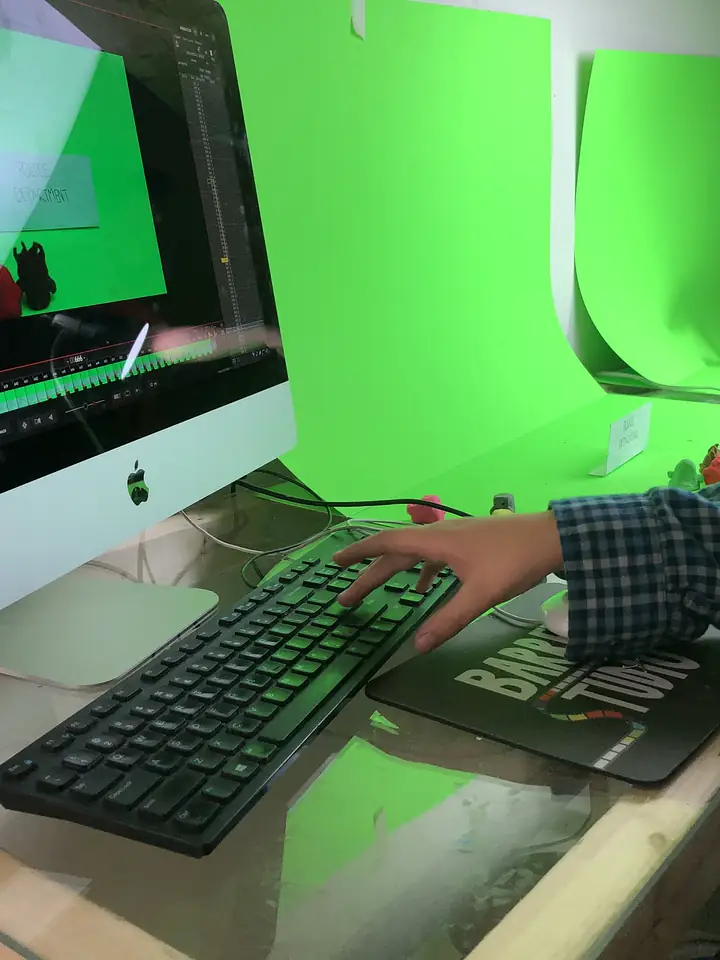
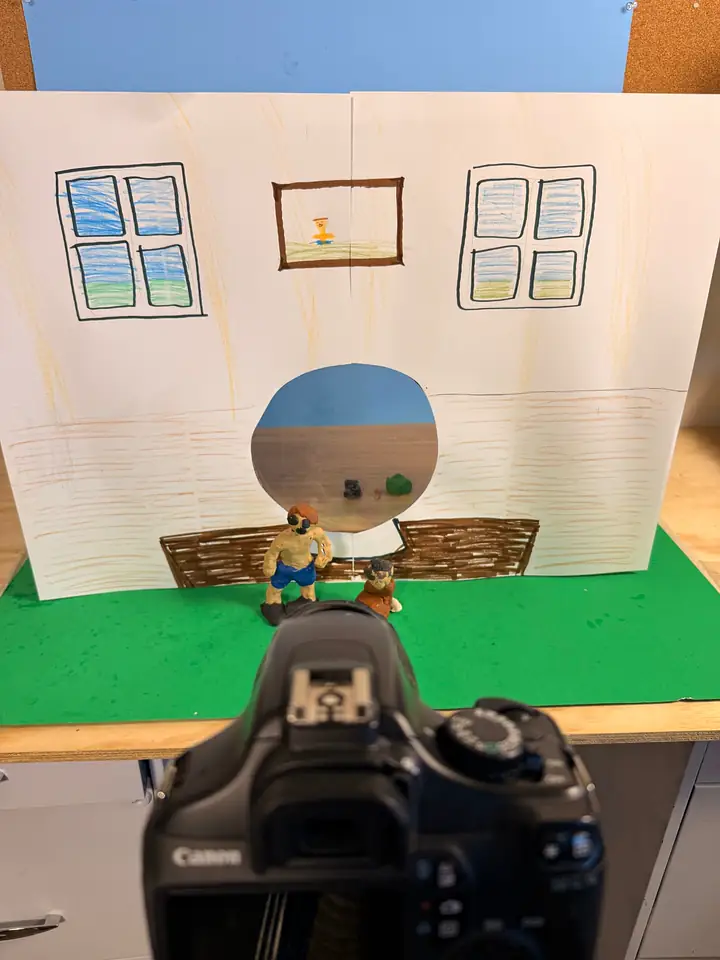
Here's what those steps look like in action: puppets, handmade sets and the cameras that bring them to life. Want to see the finished films? Browse student work.
Skills they walk away with
As they work, I give advice tailored to each film. Here's what kids learn along the way and keep long after the film is done:
- Real animation principlesTiming, squash and stretch and arcs, the same fundamentals pros use.
- CinematographyCamera angles, close-ups and lighting that set the mood.
- StorytellingWhat to show, when to cut and how to land an ending.
- Sound and musicVoices, sound effects and an original soundtrack.
- Patience and planningAardman animators finish about two seconds of film a day. Small steps add up.
- Problem-solvingWhy did it fall over? Why does the light flicker? Every fix is a lesson.
- ConfidenceFinishing a film and sharing it with family shows kids they can see a project through.
What's in my Scottsdale studio
Kids who come to my North Scottsdale studio don't need to bring a thing. It's stocked with everything a young animator needs:
| What | What it's for |
|---|---|
| Studio lights | Movie-style lighting, from golden sunsets to starry nights |
| Animation software | Dragonframe on a DSLR camera: snap each frame and watch your scene come to life |
| Clay and wire | Characters that bend, pose and bounce from frame to frame |
| Cardboard and paint | Whole worlds, from jungles to outer space |
| Recording studio | Character voices, sound effects and an original soundtrack |
The software we use
Kids learn on the same tools professional animators use, plus an easy app for animating online and at home. Tap a feature to see what kids do with it.
Dragonframe
The industry-standard stop-motion software behind films from studios like LAIKA and Aardman. In my studio it runs a real DSLR camera, so kids shoot their films the way a feature-film crew does.
A see-through ghost of the last frame shows exactly how far to move the puppet next.
Kids set focus, exposure and framing on a real DSLR right from the computer, like a film crew.
Dialogue sits on a timeline so kids can swap mouth shapes on exactly the right frames.
One click plays the scene back at full speed, so kids can spot a jump and fix it on the spot.
Stop Motion Studio Plus
A friendly, powerful app for iPhone, iPad, Android, Mac and Windows. Students use it in online and in-home lessons, and to keep animating between classes.
The last frame stays faintly visible, so even beginners can make smooth, even moves.
Film in front of green paper, then drop in any background: outer space, a jungle, a castle.
Record voices, add sound effects and music without leaving the app.
Export the finished film in a tap and send it straight to grandparents.
LEGO stop-motion
LEGO is often where I start new and younger students. Minifigures are already posable, so kids grab a favorite figure, set it on a baseplate and are animating within minutes. Once they've got the basics down, moving on to clay and puppets comes naturally.
A built-in grid
Baseplate studs work like a ruler, a perfect way to learn timing and spacing.
Brick-film tricks
Swappable heads, flying figures on clear bricks and cotton-ball smoke.
Your own bricks
Kids animate the LEGO they already have, at home, online or in the studio.
Who is stop-motion for?
Kids ages 5–12
No experience needed. Kids who pick it up quickly get tougher projects to keep them growing.
Teens 12 and up
They can go deeper in Filmmaking, with puppet building, lip sync and editing a longer short film.
Homeschoolers
Weekday daytime lessons for Scottsdale and North Phoenix homeschool families, plus a certificate and an hours log for your records.
More classes at Barrett's Studio
Questions parents ask
What ages are your stop-motion classes for?
Kids ages 5 to 12, with no experience needed. Teens 12 and up can go deeper in my Filmmaking class, with puppet building, lip sync and editing a longer short film.
Where do lessons happen?
In my studio in North Scottsdale, online from anywhere, or in your home across Scottsdale and Phoenix.
What does my child need to bring?
For studio lessons, nothing. Lights, cameras, software, clay, wire, cardboard, paint and a recording studio are all ready to go. For online lessons, kids use a phone or tablet with the Stop Motion Studio app, plus the clay or LEGO they want to animate. I'll go over exactly what's needed when you book.
Does my child need any experience?
None at all. Beginners start with simple moves and quick wins, and kids who pick it up fast get tougher projects to keep them growing.
What will my child finish with?
Their own set, their own characters and a finished film with voices, sound effects and music, ready to share with family.
Do you work with homeschool families?
Yes. I offer weekday daytime lessons for homeschoolers, plus a certificate and an hours log for your records.