
Computer Animation Classes for Kids in Scottsdale
Private lessons in my North Scottsdale studio, online, or at home across Scottsdale and Phoenix. For kids and teens of every skill level, no experience needed.

Bring imagination to life with hands-on computer animation lessons for kids and teens in Scottsdale, Arizona. Students create their own characters, scenes, and animated projects in fun, personalized private lessons, in my North Scottsdale studio, online, or at your home. I also teach stop-motion and filmmaking.
Computer animation: drawings that move
Every cartoon is a series of drawings played fast enough to look like movement. Animators draw the key poses first, then the in-betweens. Try it below: switch between the 3 key poses and all 12 drawings.
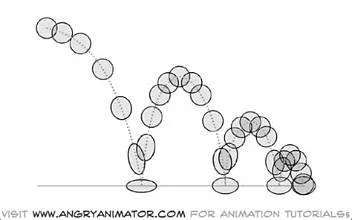
Notice the dots: they bunch up at the top, where the ball slows down, and spread out near the floor, where it speeds up. The ball even squashes when it lands.
What students make
Every student finishes with three things they can be proud of:
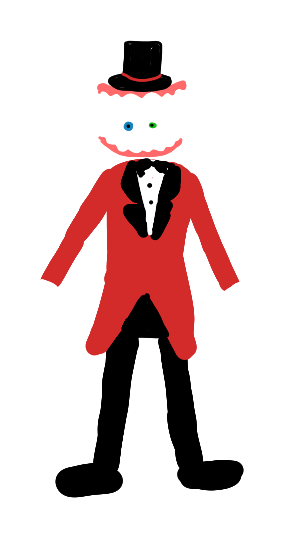
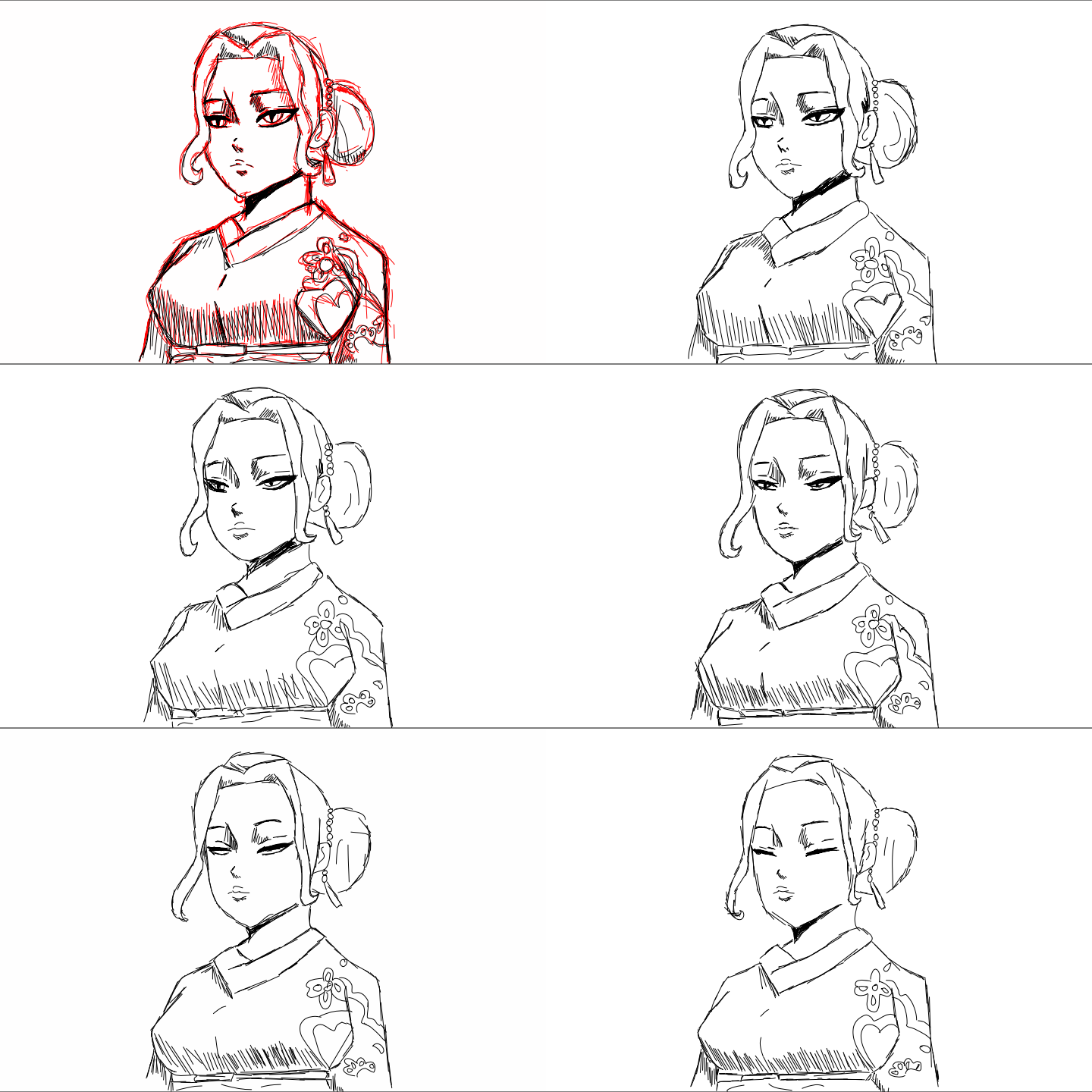
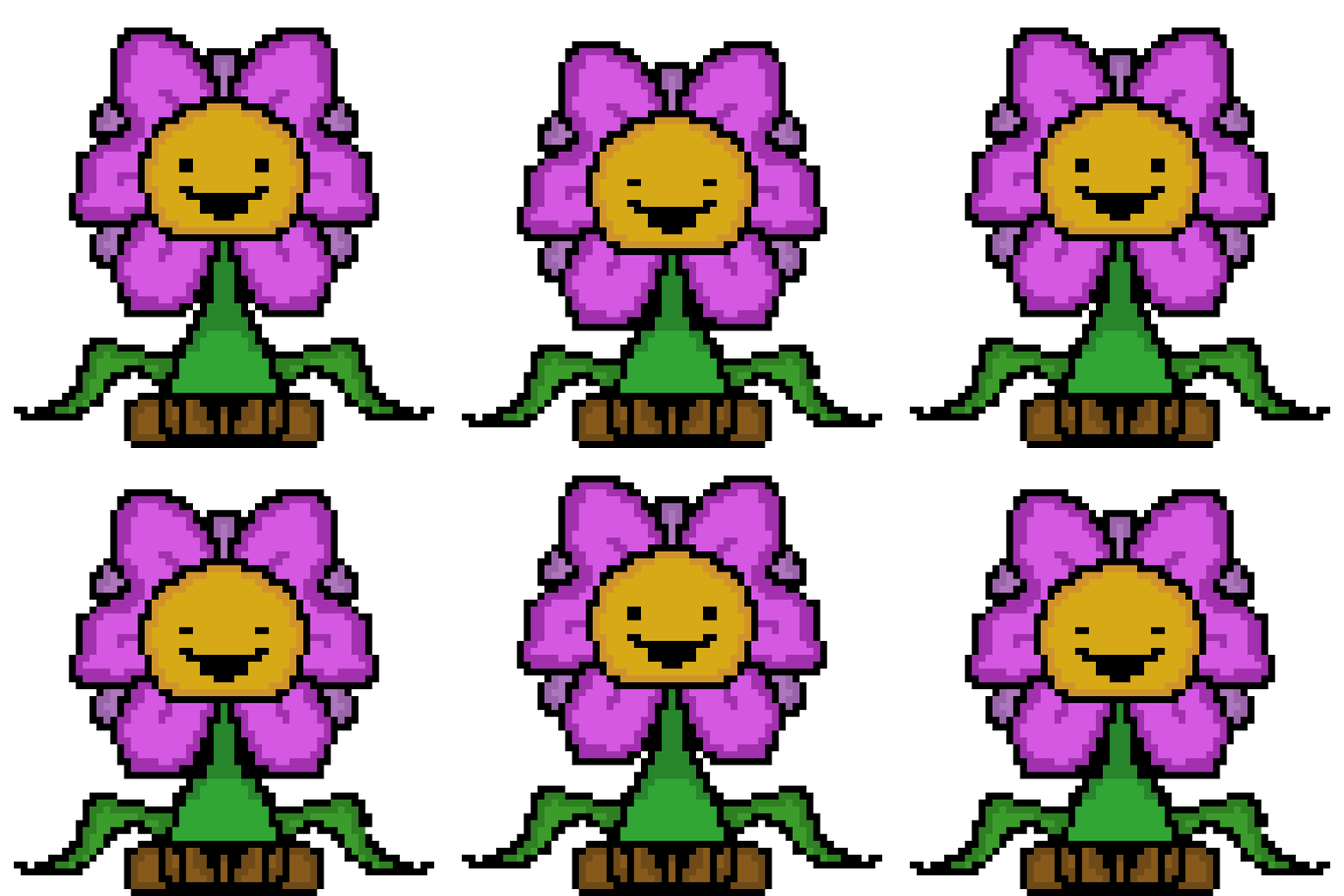
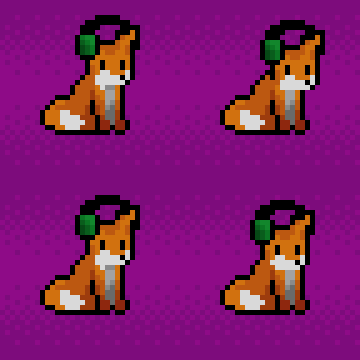
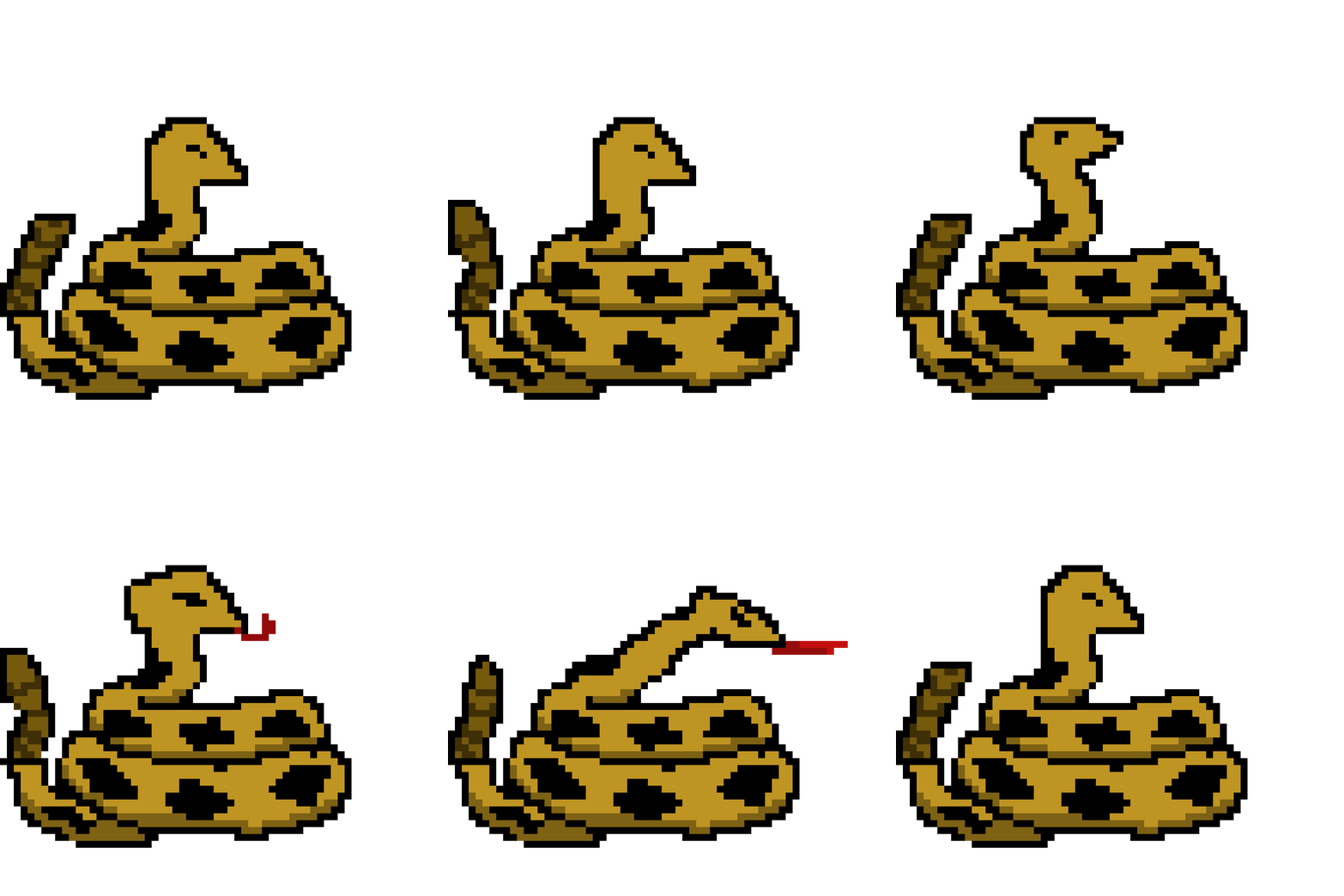
Their own characters
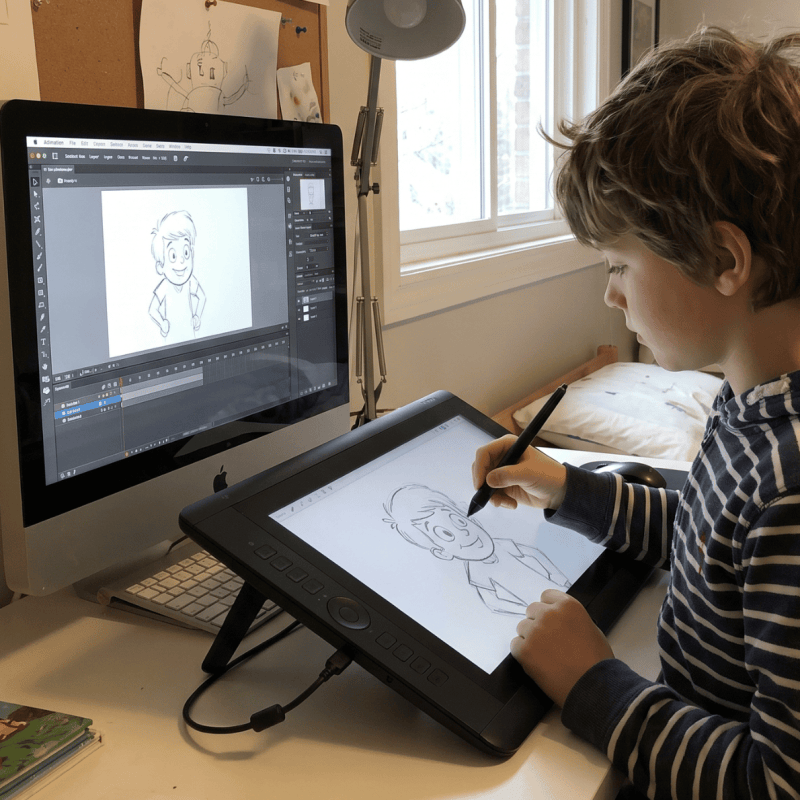
Designed in a sketchbook, then drawn on a tablet with their own look, expressions and personality.
Their own environments
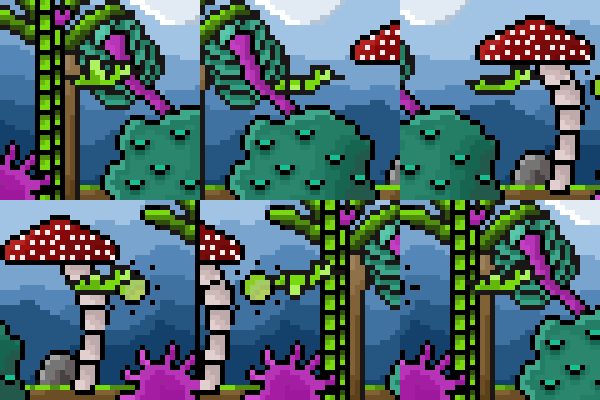
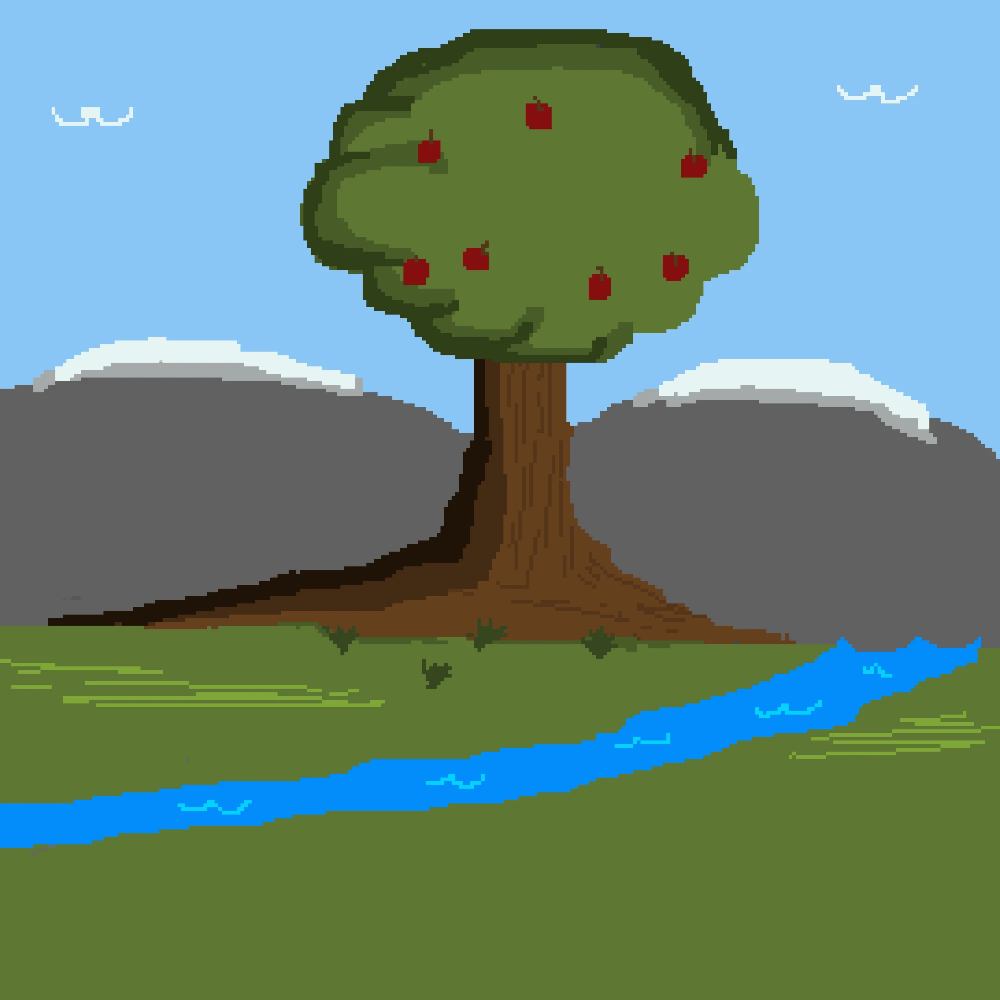
The worlds their characters live in, from mountain valleys to glowing jungles, drawn and painted on the tablet.

Animated scenes
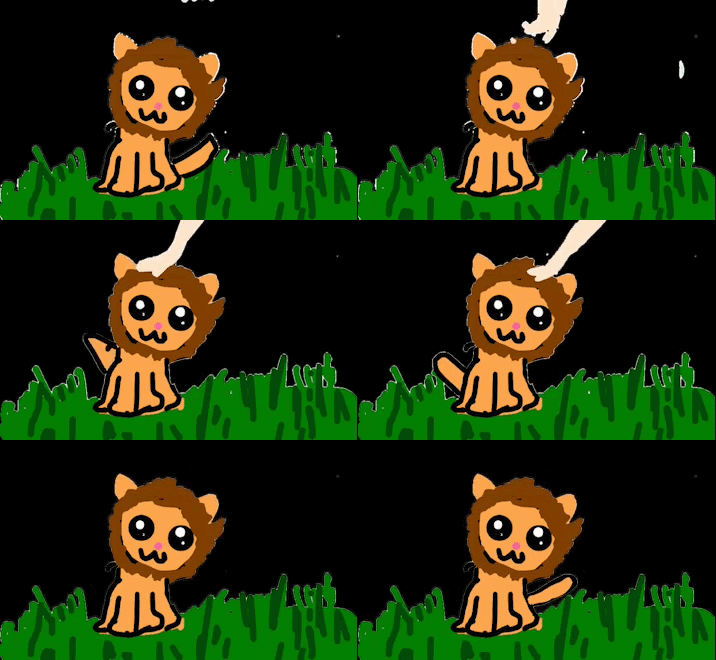
Short scenes that bring it all together, from a puppy and swinging hair to a jumping flour sack, with timing that makes every move feel real.
Barrett's classes were a super fun experience. She allowed me to create what I wanted and helped guide in the right direction when I was having trouble. I highly recommend this for any kid that wants to dip their toes in animation.
Zoe Labadie, on FacebookMy student work
A few of the animations my students have made, from sketchy line tests to full-color characters.
How a lesson works
Whether we're in my Scottsdale studio, on a video call or at your kitchen table, every cartoon follows the same six steps, and each student moves through them at their own pace.
Plan the story
Students sketch their story shot by shot in a storyboard, so they know what to draw and what to animate. I help them shape it into something with a beginning, a middle and an ending that lands.
Design a character
Students sketch their character on paper, then draw it on a tablet: the shapes, the colors and the expressions that make it theirs.
Draw the key poses
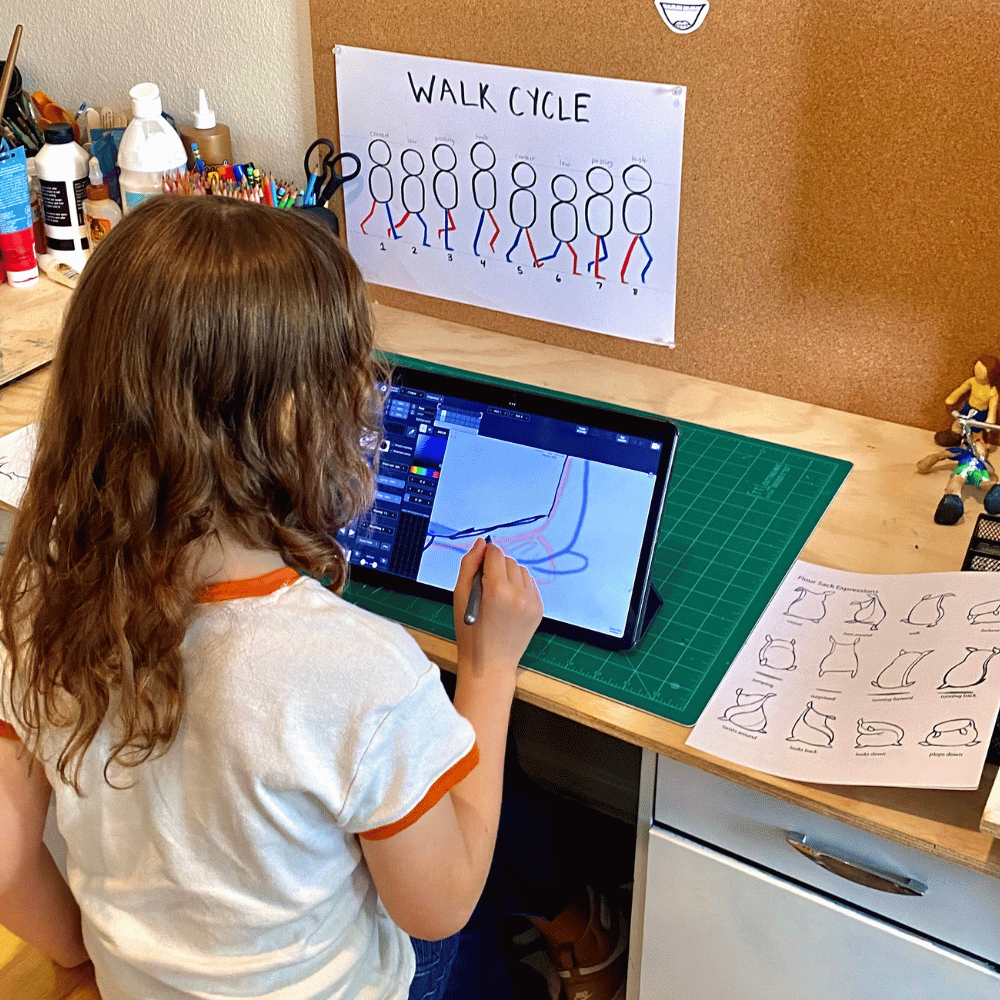
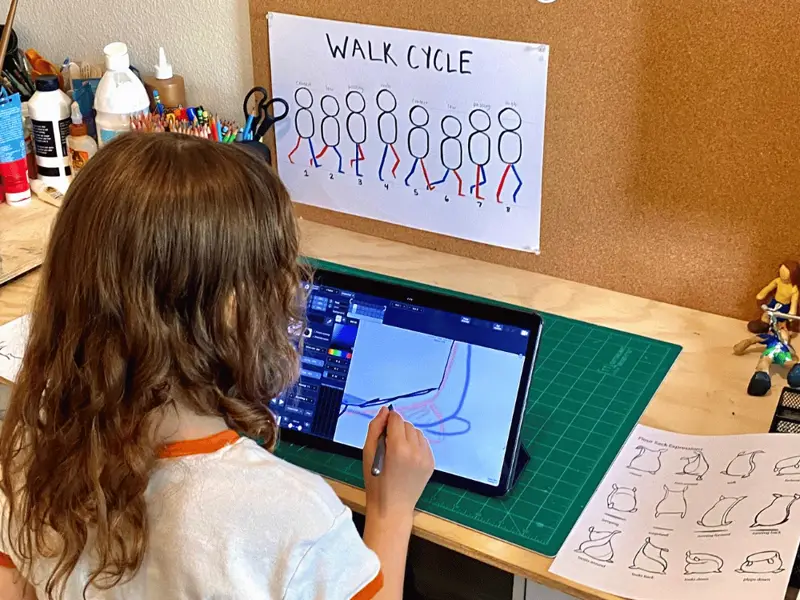
The big moments come first: the wind-up, the jump, the landing. Walk-cycle charts and expression sheets by the desk help them get the poses right.
Add the in-betweens
Then the drawings in between, which turn a few poses into smooth movement. This is where kids learn timing and spacing, with me right there to help.
Add sound
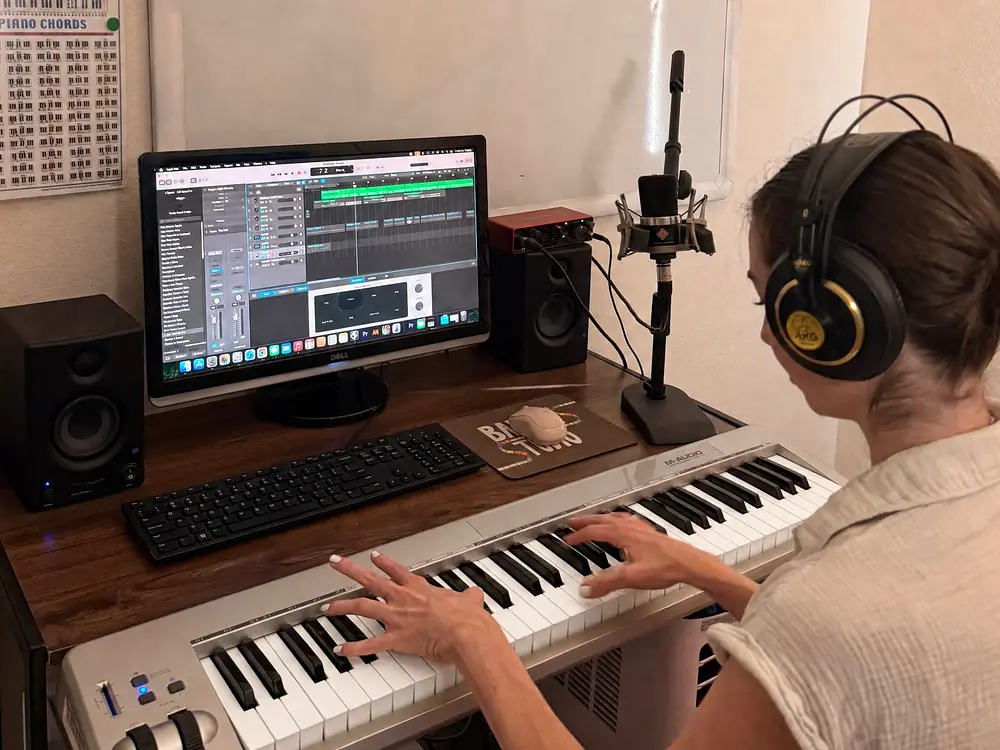
In the recording studio, students record character voices, make sound effects and compose music for their cartoon.
Premiere
We watch the finished cartoon together, and then it's ready to share with family.
Skills they walk away with
As they work, I give advice tailored to each project. Here's what kids learn along the way and keep long after the cartoon is done:
- Real animation principlesTiming, spacing, squash and stretch, anticipation and arcs. See them in action
- Character designSimple shapes, clear silhouettes and expressions that read at a glance.
- Digital artDrawing on a tablet, layers, color and the tools real studios use.
- StorytellingWhat to show, when to cut and how to land an ending.
- Sound and musicVoices, sound effects and an original soundtrack.
- Patience and planningA 30-second cartoon at 12 drawings a second is 360 drawings.
- Problem-solvingWhy does the walk look floaty? Every fix is a lesson.
- ConfidenceFinishing a cartoon and sharing it shows kids they can see a project through.
The principles of animation
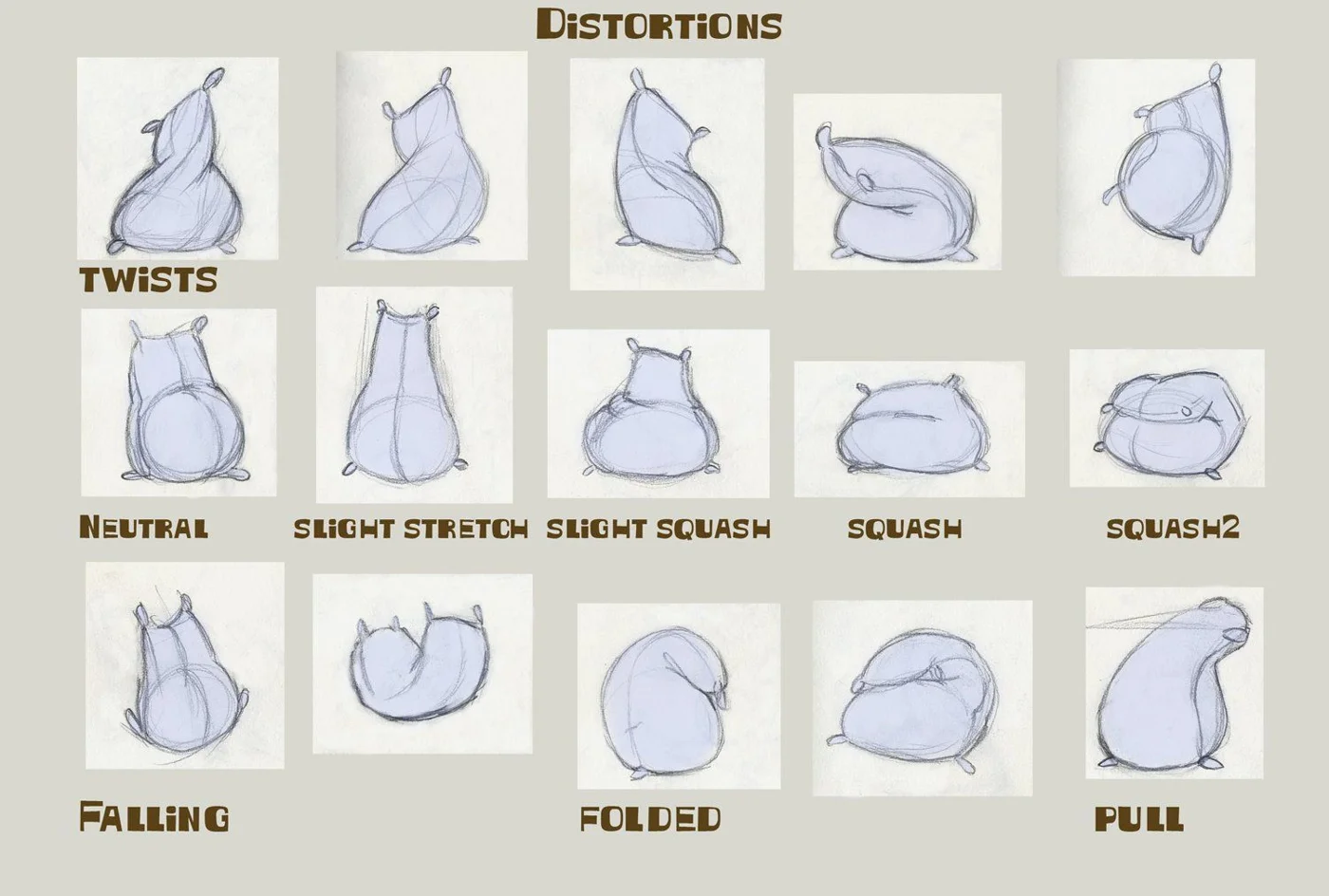
Disney's animators wrote down 12 principles that make drawings feel alive, and every cartoon since has used them. Kids learn them the way pros do, through a few classic exercises.


What's in my Scottsdale studio
Kids who come to my North Scottsdale studio don't need to bring a thing. It's stocked with everything a young animator needs:
- Drawing tabletsPen displays and iPads, so kids draw right on the screen
- Animation softwareFlipaClip, Adobe Animate and Toon Boom Harmony
- Reference sheetsWalk cycles and expression sheets pinned up by the desk
- Sketchbooks and pencilsCharacter designs and storyboards before anything goes on screen
- Recording studioCharacter voices, sound effects and an original soundtrack
The software we use
Beginners start on a free app for tablets and phones, then level up to the same tools professional animators use.
 FlipaClip Beginners
A free, friendly animation app for tablets and phones. Perfect for first lessons, online lessons and animating at home between classes.
- Frame-by-frame drawingDraw, add a frame, draw again, and watch it play.
- Onion skinThe last drawing shows through, so kids see how far to move.
- Add soundDrop in music and voices right in the app.
 Adobe Animate Next step
Adobe's 2D animation software, used for web cartoons, games and TV. In my studio kids use it with a pen display, drawing straight onto the screen.
- SymbolsDraw a head or a hand once and reuse it in every scene.
- Motion tweensSet two key poses, then fine-tune the timing in between.
- Lip syncMatch mouth shapes to a recorded voice, so characters talk.
 Toon Boom Harmony Advanced
The professional software behind many of today's animated TV shows. Students ready for a challenge learn how real studios build characters.
- Character rigsBuild a puppet with joints that bends and poses.
- Light tableA digital light table for clean in-betweens.
- Camera movesPush in and scroll backgrounds like a real show.
Hand-drawn 2D animation
Some of my students' favorite films are drawn on plain paper, one frame at a time, then shot and edited together. It's the oldest way to animate, and it builds the drawing and timing skills that make computer animation click. Kids can do a whole film this way, or mix paper drawings with the computer.


Who is computer animation for?
Kids
No experience needed, and no drawing skills either. Stick figures and simple shapes animate beautifully, and kids who pick it up quickly get tougher projects to keep them growing.
Teens
Full characters, lip sync, rigs in Toon Boom Harmony, effects in After Effects and a longer animated short film for their portfolio.
Homeschoolers
Weekday daytime lessons for Scottsdale and North Phoenix homeschool families, plus a certificate and an hours log for your records.
Questions parents ask
What ages are your computer animation classes for?
Kids and teens of every skill level. Beginners start with fun, simple animations, and older or more experienced students take on full characters and animated short films.
Does my child need to be good at drawing?
Not at all. Stick figures and simple shapes animate beautifully, and drawing skills grow quickly along the way. Animation is about movement and timing more than perfect drawings.
Where do lessons happen?
In my studio in North Scottsdale, online from anywhere, or in your home across Scottsdale and Phoenix.
What does my child need to bring?
For studio lessons, nothing. Drawing tablets, animation software and a recording studio are all ready to go. For online lessons, kids need a tablet or computer with internet access. Beginners can start in FlipaClip, a free animation app for tablets and phones. I'll go over exactly what's needed when you book.
What software will my child learn?
Beginners start in FlipaClip, then move on to Adobe Animate and, for advanced students, Toon Boom Harmony, the software behind many animated TV shows.
What will my child finish with?
Their own characters and a finished cartoon with voices, sound effects and music, ready to share with family and to start a portfolio.
Do you work with homeschool families?
Yes. I offer weekday daytime lessons for homeschoolers, plus a certificate and an hours log for your records.