
Animate your first cartoon
- Eight live, one-on-one classes with Barrett over video call, 60 minutes each
- Turn a tablet and a free app into your own animated cartoon
- Design a character, make it move, and add voices, sound effects and music
- Take the full course, 4 classes, or try a single class first
Cartoons drawn by my students, one frame at a time.
Twelve drawings make one second
Draw a picture. Draw it again, changed a tiny bit. Play the drawings back fast and your character moves on its own. A student drew this flour sack: no face, no arms, but watch it crouch, leap and land with a squash. Click through the drawings, then press play.


 DRAWING 01 / 14
A student's flour sack, drawn on a tablet in 14 drawings.
Your character, your world, your cartoon
By your last class you'll have three things to be proud of, all drawn by you, one frame at a time.
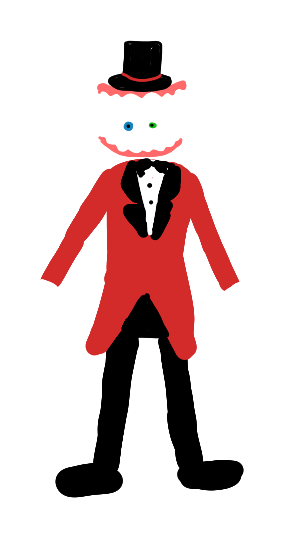
Your own character
Designed in a sketchbook, then drawn on the tablet in color, with a turnaround and faces for every feeling.

Your own world
A background painted on the tablet for your character to live in: a jungle, a city, outer space or anything you dream up.
A finished cartoon with sound
A 10–20 second short with voices, sound effects, music, a title and credits, ready to premiere for your family.
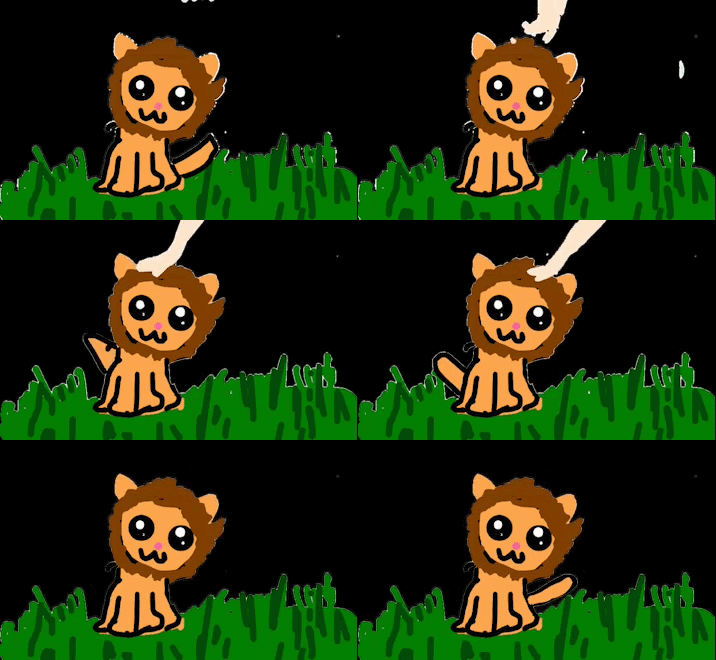
Owen's flying scene, drawn frame by frame. Press play.
Barrett's classes were a super fun experience. She allowed me to create what I wanted and helped guide in the right direction when I was having trouble.
Zoe Labadie, computer animation student, on Facebook


One cartoon, six subjects
Animation is a hands-on way into subjects kids usually meet on a worksheet. Here's which classes cover each one, so you know exactly what your child is practicing.
Drawing, character design and color
Building characters from simple shapes, drawing expressions and poses, painting a background and choosing a color palette.
Classes 4, 6, 7The physics of motion
Gravity, weight and momentum: why a ball speeds up as it falls and squashes when it lands, why loose parts keep moving, and how still pictures trick the eye into seeing motion.
Classes 1, 2, 3Rates, time and patterns
Frame math (12 frames = 1 second), timing charts and spacing, planning a 15-second cartoon as 180 frames, and walk cycles that repeat as patterns.
Classes 2, 5, 6Story structure and planning
A beginning, middle and end; a character who wants something; and a storyboard and animatic that turn an idea into a shot-by-shot plan.
Class 5Digital art tools
Drawing with a stylus, layers, onion skin, copy and paste, audio tracks and exporting a video: the same ideas professional animation software is built on.
Classes 1, 4, 7, 8Voice, lip sync and sound effects
Recording character voices, matching mouth shapes to sounds, making sound effects from everyday things, and choosing music that sets the mood.
Class 8From your first drawing to your premiere
Each class builds on the last. We start with the classic exercises every animator learns, then design your character, plan your story, and finish your cartoon. Every class is live with me, one-on-one, for 60 minutes, and ends with something to draw or animate before the next one.

How animation works
Set up your tablet and FlipaClip, learn frames and onion skin, and make your first drawing move.
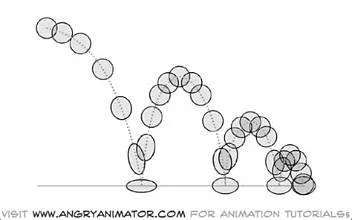
The bouncing ball
Animate every animator's first exercise and learn timing, spacing, arcs and squash and stretch.
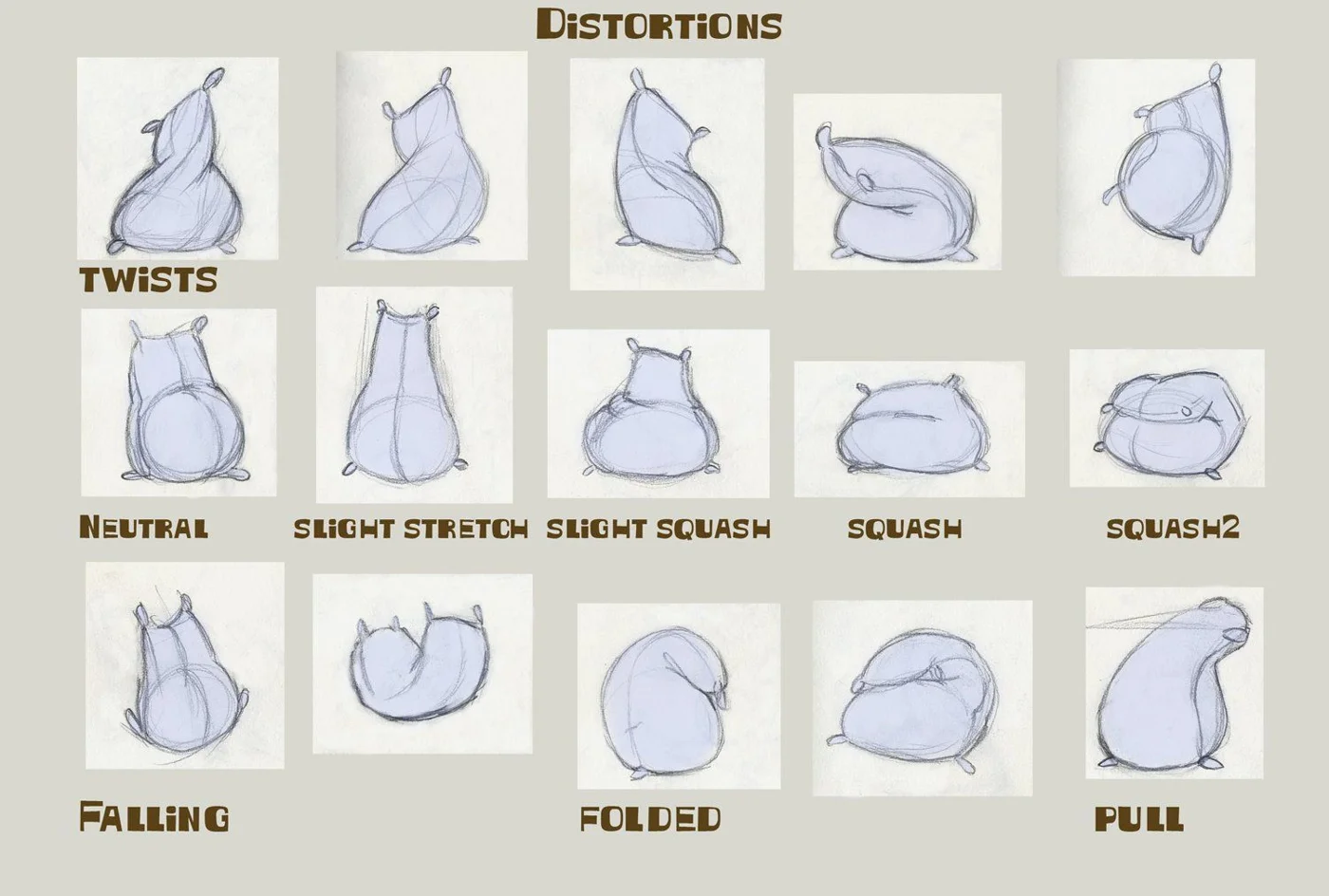
The flour sack
Make a sack with no face crouch, jump and land, and learn anticipation and follow-through.

Design your character
Build a character from simple shapes, draw it in color, and give it a turnaround and faces for every feeling.
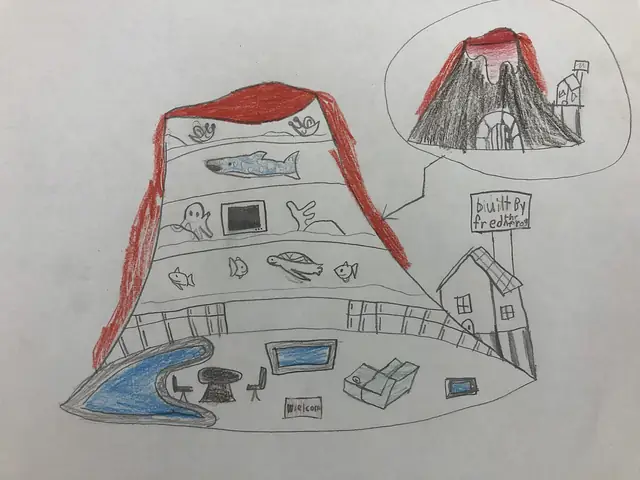
Story and storyboard
Plan a short cartoon with one character, one problem and one surprise, storyboard it and watch it as an animatic.

Key poses and the walk cycle
Plan a shot with key poses, make your character walk, and paint the background.
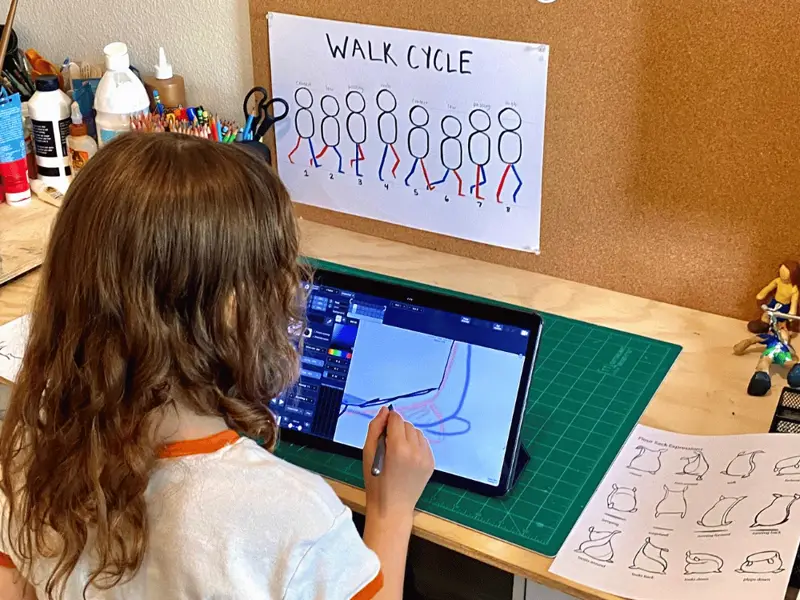
Animate your cartoon
Block every shot in key poses, add the in-betweens, blinks and color, and put the shots together.

Sound, lip sync and premiere
Record voices, make your character talk, add sound effects, music and credits, and premiere your cartoon.
Eight weeks, one class a week
You don't need to know anything about animation or drawing. I teach every class live, your child gets feedback from a real animation teacher every week, and the class guides keep everyone on track in between.
The 8 classes, week by week
One 60-minute live class a week, plus about an hour of drawing and animating at home before the next one.
| Week | Live class with Barrett | Before the next class |
|---|---|---|
| Week 1 | How animation works | Finish your magic line: 12–24 drawings |
| Week 2 | The bouncing ball | Three bounces with squash and stretch |
| Week 3 | The flour sack | A 2-second jump with a crouch first |
| Week 4 | Design your character | Finish the turnaround and four expressions |
| Week 5 | Story and storyboard | Draw the storyboard and make the animatic |
| Week 6 | Key poses and the walk cycle | Finish the walk cycle and paint the background |
| Week 7 | Animate your cartoon | Finish the in-betweens and color for every shot |
| Week 8 | Sound, lip sync and premiere | Hold a premiere for the family |
About 16 hours in all: 8 hours of live classes and about 8 hours of animating at home. That makes a full quarter. Pair it with Make Your First Claymation Film for a whole semester of animation.
Easy to keep records
- Learning goals for every class, printed in the class guide
- A "check your work" list for what your child finishes between classes, so you can see what was mastered
- An hours log for all 8 live classes and the work at home in between
- A certificate of completion with your child's cartoon title
- A finished cartoon for your child's portfolio, plus the character sheet and storyboard
- Weekday daytime classes, booked around your school schedule
You won't be animating on your own
Every class is a 60-minute, one-on-one video call with me. I teach the next step, watch you try it and help you fix it right there. Send me your latest animation the day before, and we'll pick up right where you are. Three of the classes are big moments for your cartoon:
Setup check
We set up FlipaClip together: share your tablet screen, check your settings, brush and layers, and make your first moving drawing.
Story and character
Pitch me your story. We'll storyboard it into a cartoon you'll love and can actually finish, and plan where to save drawings with holds and cycles.
Final cut
We'll watch your shots together, fix the one that will make the biggest difference, and plan your voices, sounds and music.

Hi, I'm Barrett
For nearly 15 years I've taught kids computer animation, filmmaking and stop-motion, in my studio in North Scottsdale, in families' homes and online. I love the moment a student presses play and their drawing moves for the first time. That's what this course is built around.
I made it so you can learn the way my studio students do, from anywhere, with a tablet you already have and a free app.
A tablet and a free app
No art supplies to buy. You can start Class 1 with what you already have. The full list comes when you book.
- A tablet or phoneiPad, Android or a touch-screen Chromebook
- A stylusAny kind; on a phone a finger works too
- FlipaClipFree; the course fits the free version
- A device for the video callA computer, or a second tablet or phone
- A sketchbook and pencilFor planning ideas on paper
- A quiet roomTo record voices (Class 8)
- A printerOptional, for the printable sheets
- Your imaginationStick figures welcome
We animate in the same friendly app my beginners use in online lessons. It has onion skin (a see-through ghost of your last drawing, so you know how far to move), layers, instant playback and audio tracks for voices and music.
The free version is all you need: every class is planned around it.

Ready for more afterward? The next step is Adobe Animate, the software my studio students move on to. See the software we use
Start your first cartoon today
Every class is live, one-on-one with Barrett, 60 minutes on a video call. Brothers and sisters are welcome to join the same class.
1 class
One live 60-minute class
- Try computer animation and make your first moving drawing
- Or get help with one step of a cartoon you've already started
- Supply list and class guide
4 classes
$95 a class
- Four live 60-minute classes with Barrett
- A shorter cartoon, or the first half of the course
- Supply list and a printable guide for each class
- Add more classes later
Full course: 8 classes
$90 a class
- All 8 live 60-minute classes with Barrett
- From your first drawing to a finished cartoon with sound
- Supply list, a printable guide for each class, and the timing, character design and storyboard sheets
- Learning goals, hours log and certificate for your records
Secure checkout. Paying with ESA funds through ClassWallet, or have a question first? Send me a message.
Questions families ask
What ages is it for?
Ages 8 and up, with no experience needed. Teens and adults love it too. Younger kids, ages 5 to 7, can do it with a grown-up helping, and it's a great project to do together as a family.
Is this a video course?
No. There are no pre-recorded videos. Every class is live, one-on-one with Barrett over video call, so your child gets real feedback on their own cartoon every time.
Should we take 1, 4 or 8 classes?
For a finished cartoon from start to end, take the full course: 8 classes. 4 classes make a shorter cartoon or cover the first half of the course, and you can add more later. A single class is a good way to try computer animation, or to get help with one step of a cartoon you've already started.
How do the live classes work?
For a single class, you'll get a booking link right after your purchase, on your confirmation page and in your order email. For 4 or 8 classes, I'll email you within 1 business day to set up your class times together; most students meet once a week, often at the same time each week. Each class is 60 minutes, one-on-one on a video call, and you can share your tablet screen so I can see your animation. For students under 18, a parent should be home and nearby during each class.
Does my child need to be good at drawing?
Not at all. Stick figures and simple shapes animate beautifully, and the course starts with a ball and a flour sack for exactly that reason. Animation is about movement and timing more than perfect drawings, and drawing skills grow quickly along the way.
Does it work for homeschool records?
Yes. Every class guide lists its learning goals and a “check your work” list, and the full course comes with an hours log for your live classes and project time and a certificate of completion. Your child’s finished cartoon, character sheet and storyboard make a strong portfolio piece. Requirements vary, so check what your state or program asks for.
Can I pay with ESA funds?
Yes. Barrett's Studio is an approved vendor on ClassWallet. Send me a message with the option you'd like (1, 4 or 8 classes), and I'll send you a ClassWallet invoice and link to pay with your ESA funds.
What subjects does it cover?
Art and design, science (the physics of motion), math (frame math, timing and patterns), writing and storytelling, technology (digital art tools) and music and sound. The “What your child learns” section shows which classes cover each one.
What devices do I need?
A tablet or phone with a touch screen (iPad, iPhone, Android or a touch-screen Chromebook) with the free FlipaClip app to animate, and a computer, tablet or phone for the video call. A tablet with a stylus is easiest to draw on, but a phone and a finger work for the whole course.
Do I have to buy any software?
No. We use the free version of FlipaClip in every class. When your child is ready for more, I'll point you to the next step, like Adobe Animate.
How long does it take?
Most students take one class a week and finish the full course in about 8 weeks. Each class is 60 minutes live with Barrett, plus about an hour of drawing and animating before the next one.
Can brothers and sisters join?
Yes. Siblings are welcome to join the same class and team up on one cartoon. If they each want their own cartoon and Barrett's full attention, book classes for each of them.
We live near Scottsdale. Can we come to the studio instead?
Yes. I teach in-person computer animation lessons in my North Scottsdale studio, with drawing tablets and a recording studio, and in homes across Scottsdale and Phoenix. See my computer animation classes.
Your first moving drawing is one class away
Book your first class, grab a tablet and start animating with me.