
Learn animation at home, one film at a time
Learn live, one-on-one with Barrett over video call. Barrett teaches each step, watches you try it and helps you fix it, right there in the class. Take a full 8-class course, 4 classes, or a single class to try it out. Every course ends with a finished film you made yourself.
All Barrett's Studio Courses
The claymation and cartoon courses are live, one-on-one with Barrett in 60-minute classes: take the whole course in 8 classes, a shorter version in 4, or try a single class first. Coming soon: the Holiday Stop Motion Workshop, a video course you work through at home, with two live lessons included.
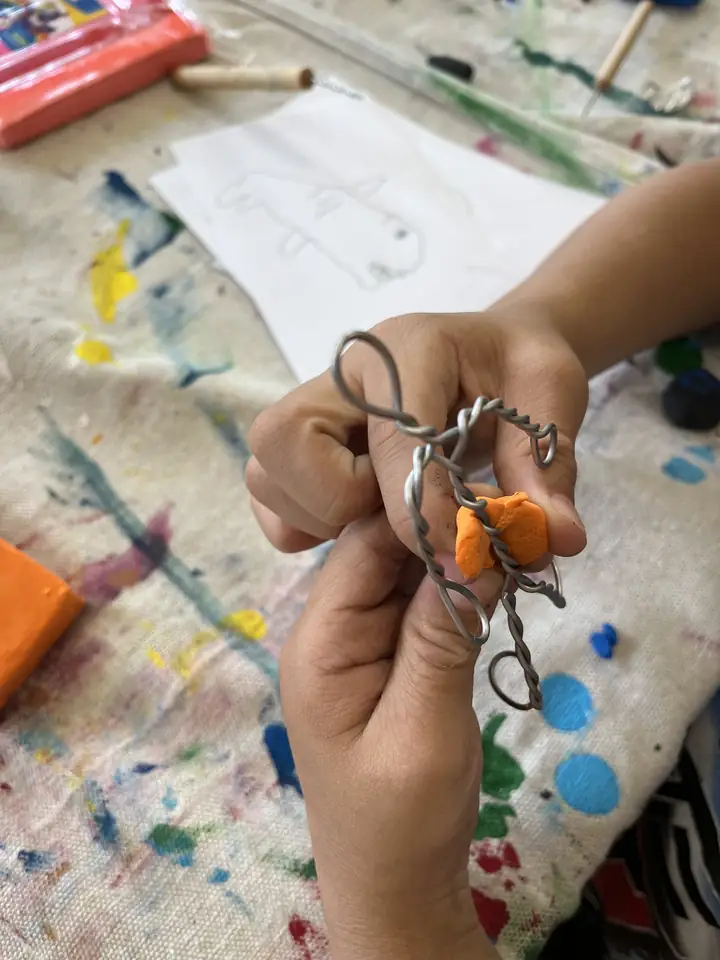
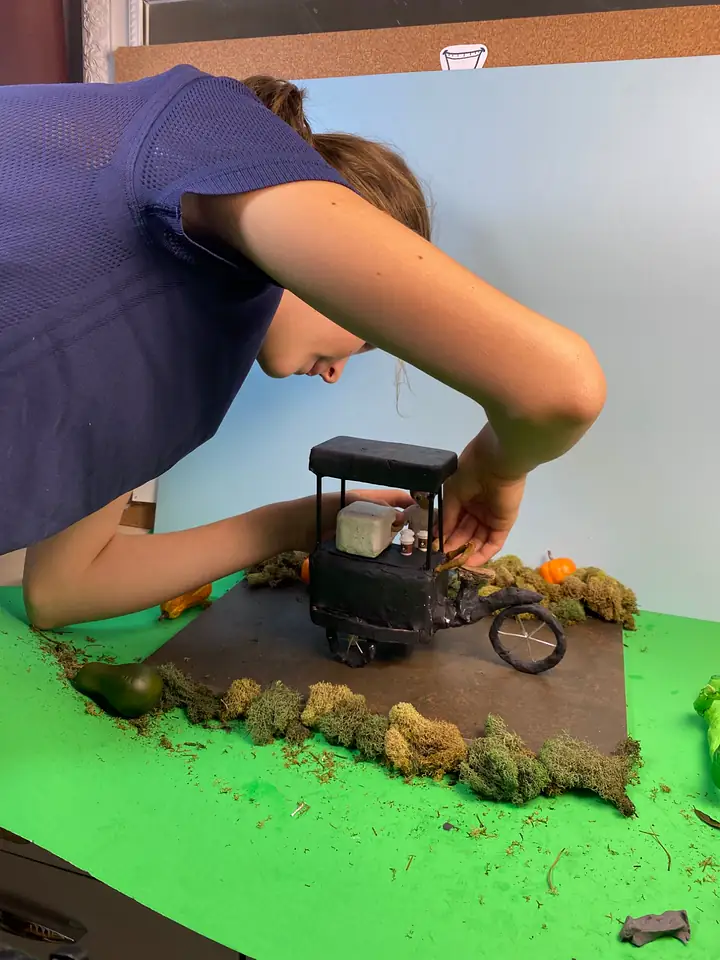
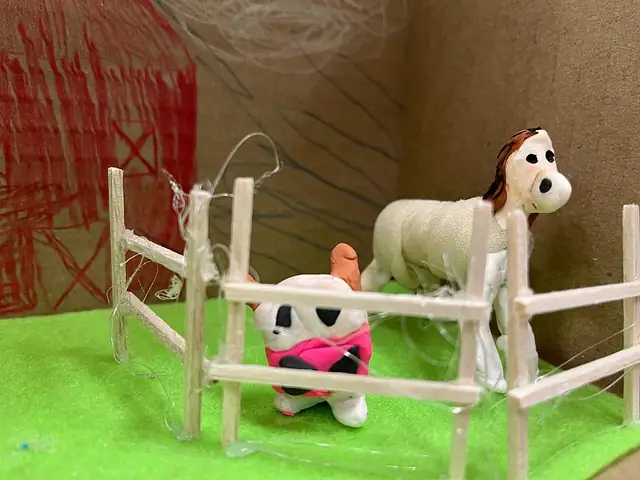
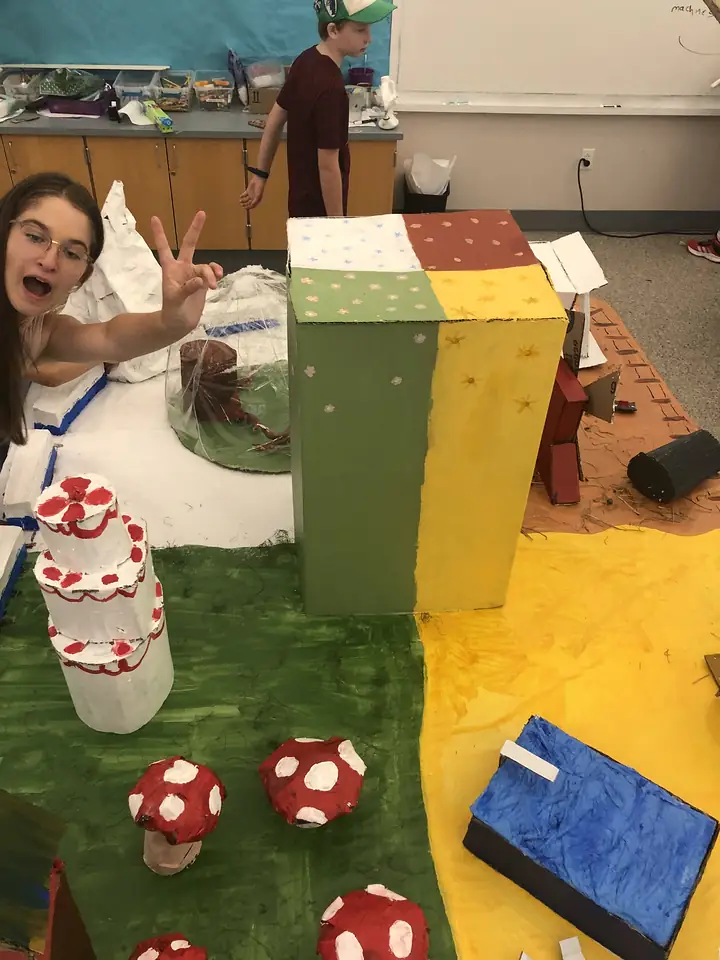
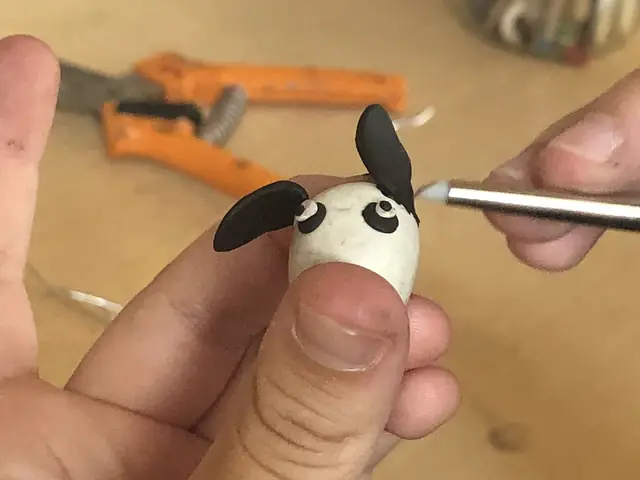
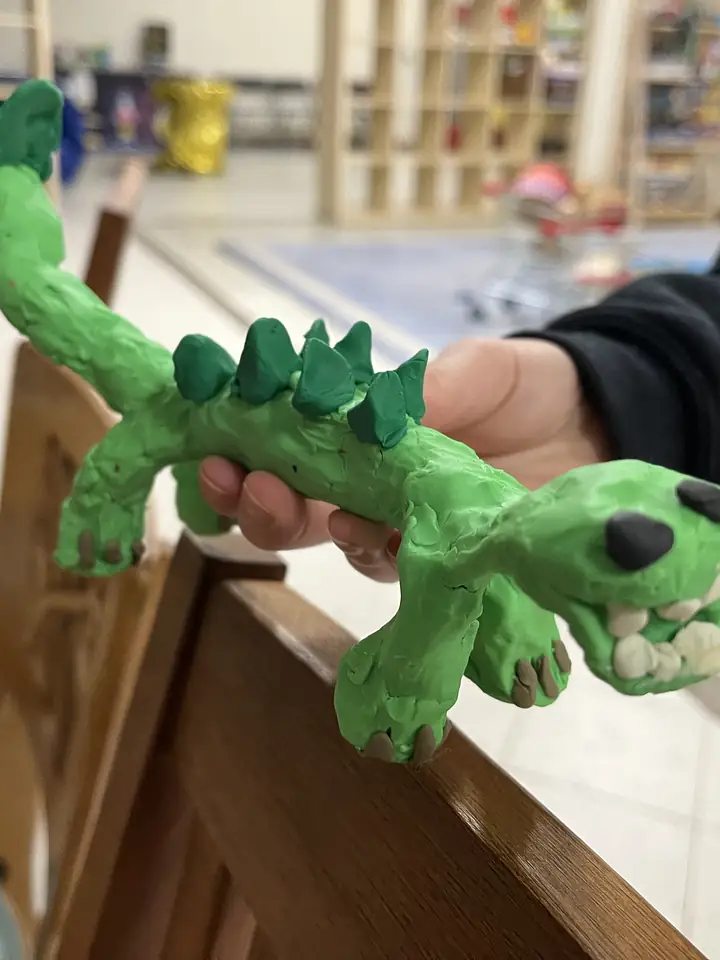
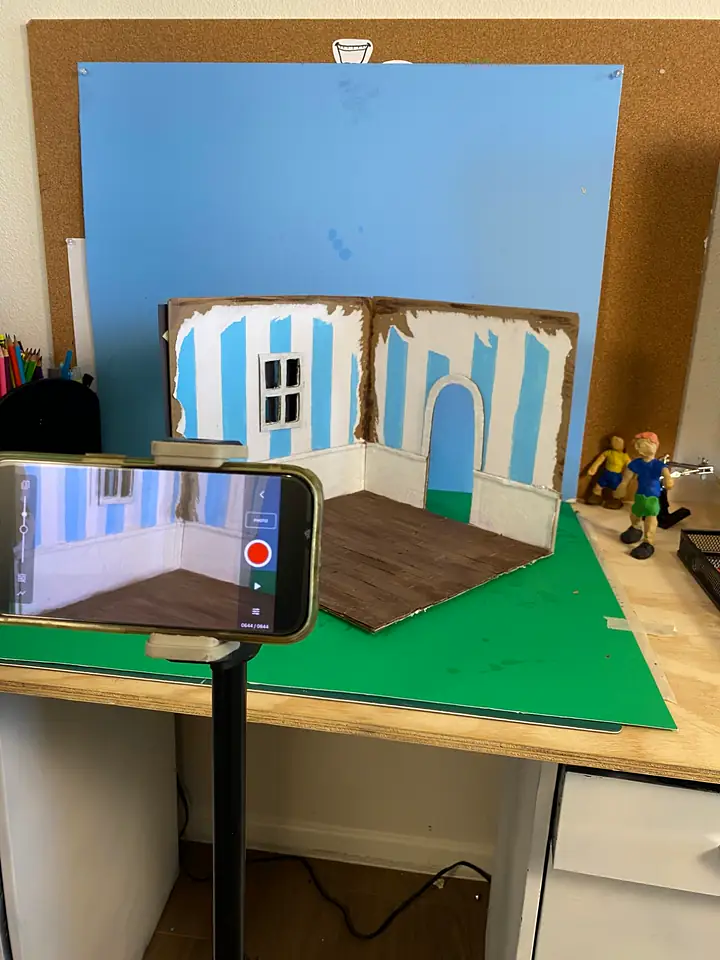
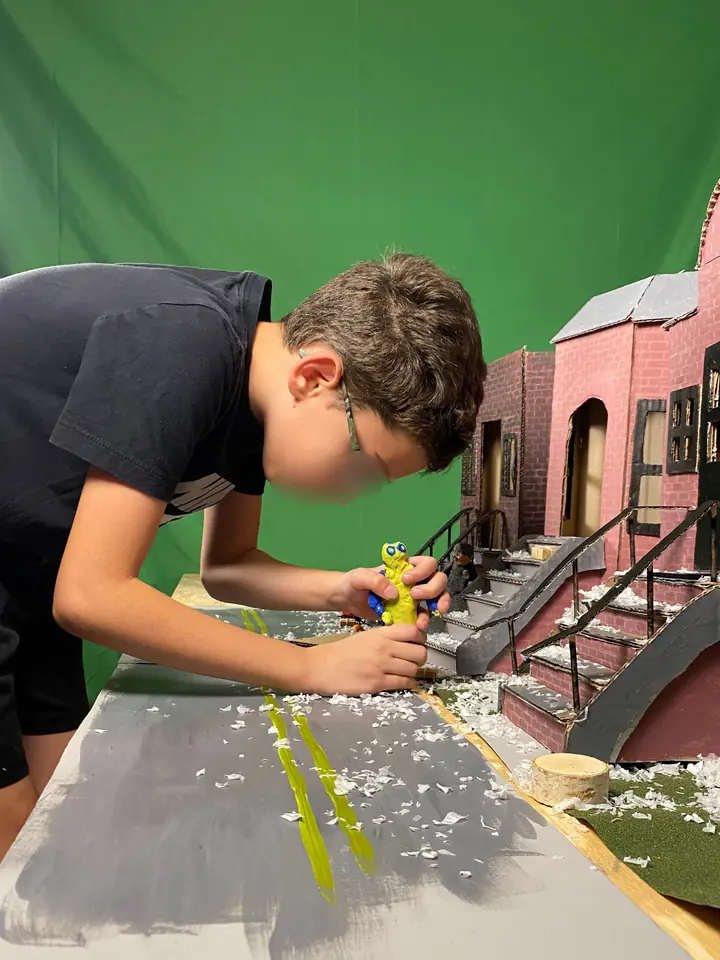
Make Your First Claymation Film
Turn a phone, some clay and a cardboard box into your own animated short. Build a world, sculpt a character with a wire skeleton, animate it, and add voices, sound effects and music.
- Live 60-minute classes
- 1, 4 or 8 classes
- Ages 8 and up
- Hours log + certificate
Full course: 8 classes Best value
From first frame to finished film. $90 a class
4 classes
A shorter film, or the first half of the course. $95 a class
1 class
Try it out, or get help with one step
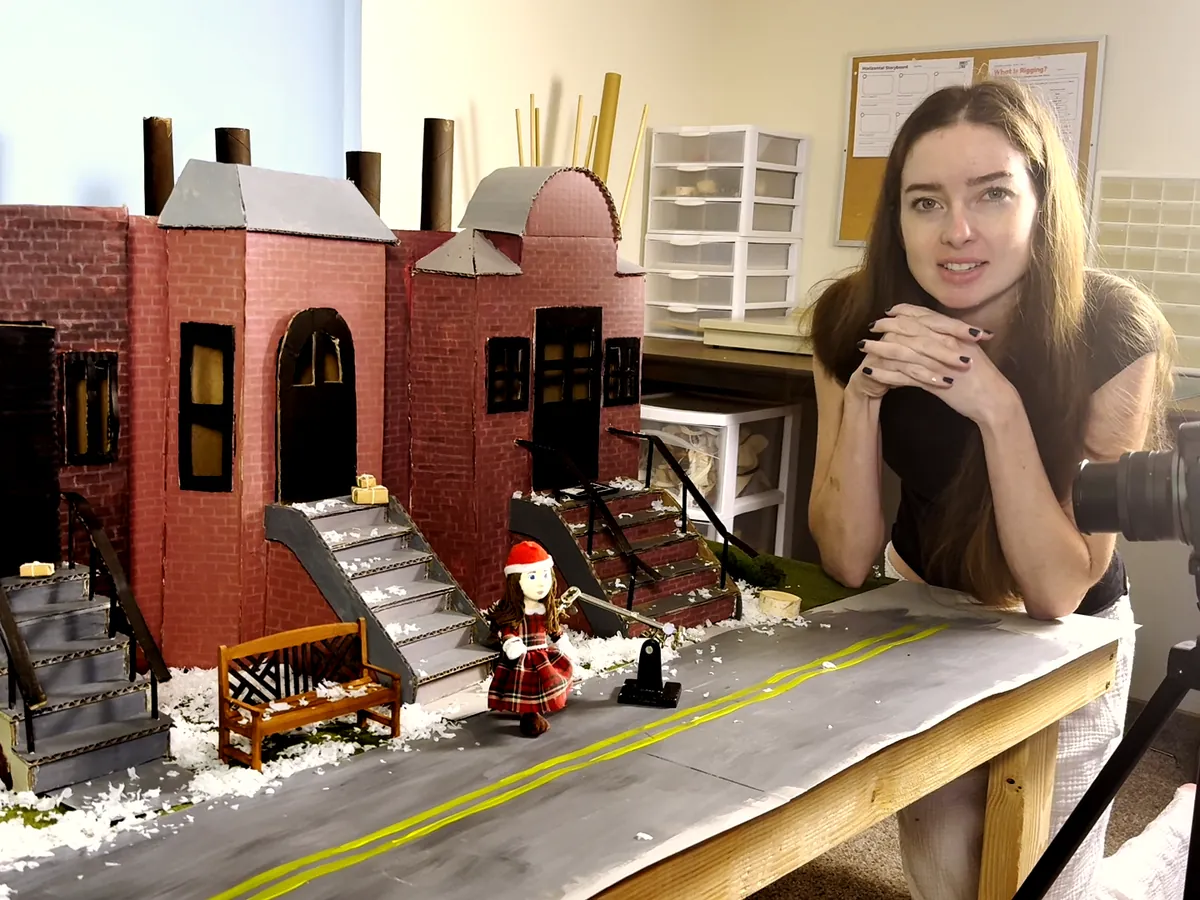
Holiday Stop Motion Workshop
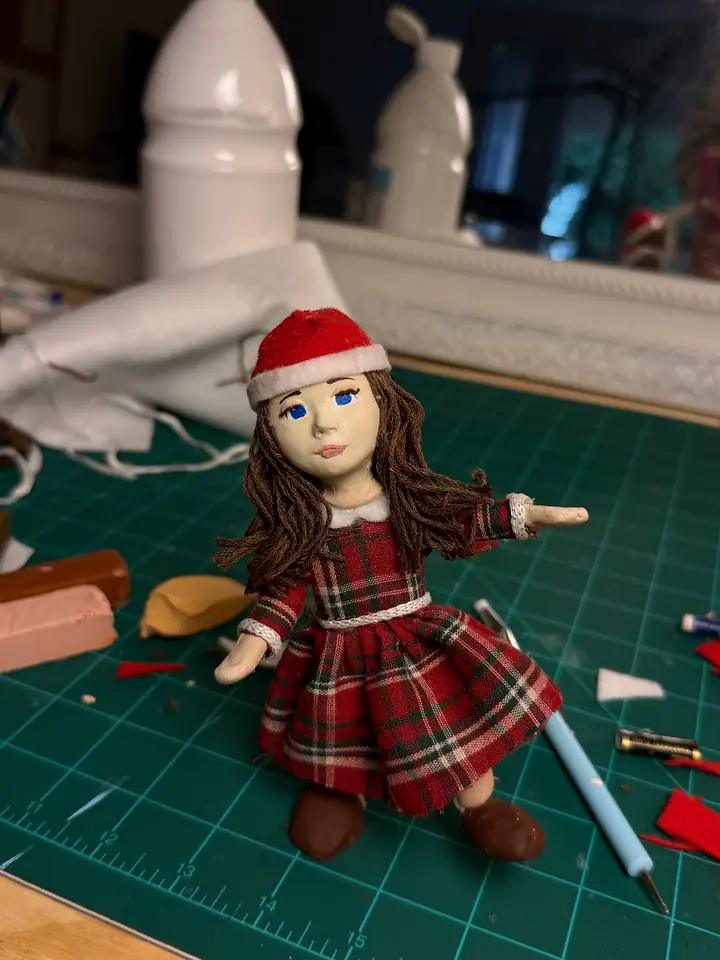
Build a clay-and-felt puppet of yourself in the cozy style of the classic 1960s holiday TV specials, then animate it in a 30 to 60 second film about your own family traditions.
- 6 video lessons to download
- 2 live private lessons
- Kids, teens, adults and families
Holiday Stop Motion Program Everything included
All 6 video lessons, printable puppet guides, and two live 30-minute private lessons with Barrett


Animate Your First Cartoon
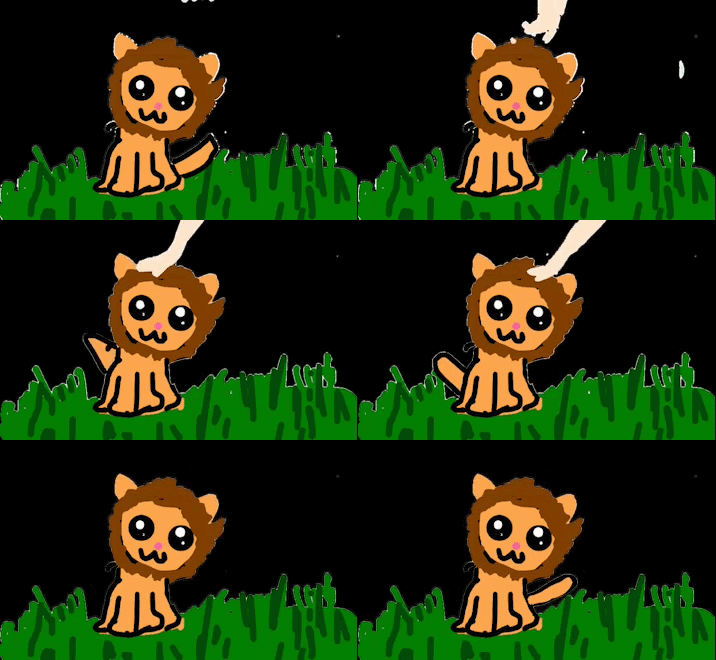
Draw and animate your own cartoon frame by frame on a tablet with the free FlipaClip app. Start with a bouncing ball, design your own character, and finish with a short cartoon with voices, sound effects and music.
- Live 60-minute classes
- 1, 4 or 8 classes
- Ages 8 and up
- Tablet + stylus
Every class: live on video callOne-on-one with BarrettBrothers and sisters can join inSecure checkout
1, 4 or 8 classes
For the claymation and cartoon courses. Every class is live, one-on-one with Barrett, 60 minutes long. One payment, nothing to renew.
| Option | Price | Per class | What you get | Best for | |
|---|---|---|---|---|---|
| Full course: 8 classesClaymation or cartoon courseBest value | $720 | $90 | The whole course, from your first frame to a finished film with sound | Making a complete film | Sign up |
| 4 classesClaymation or cartoon course | $380 | $95 | A shorter film, or the first half of the course | Busy schedules, or trying a course before committing | Sign up |
| 1 classClaymation or cartoon course | $100 | $100 | One live class: try animation, or get help with one step of a project | Trying it out, or a one-off project | Sign up |
Pay with your ESA through ClassWallet
Barrett's Studio is an approved vendor on ClassWallet, so families in education savings account (ESA) programs can use their scholarship funds for any course on this page.
How to pay with ESA funds
There's nothing to pay out of pocket. It takes three steps:
Send me a message
Tell me the course and option you'd like (1, 4 or 8 classes) and your ESA program.
Message meApprove my ClassWallet invoice
I'll send you an invoice through ClassWallet, with a link to Barrett's Studio there. Approve it to pay with your ESA funds.
Step 3: as soon as the payment comes through, I'll email you to set up your class times and send your supply list.
- Arizona
- Arkansas
- New Hampshire
- North Carolina
- South Carolina
Don't see your state? Send me a message and I'll check whether your program can pay for the course.
Ready for your homeschool records
Every course is built to count toward your school year.
- Learning goals and a "check your work" list for every lesson
- An hours log for your live lessons and project time
- A certificate of completion
- Covers art, science, math, writing, engineering, and music and sound
- A finished film and storyboard for your portfolio
- Weekday daytime lesson times for homeschool schedules
ESA rules are different in every state and can change each school year. Check that live online lessons are an approved expense in your program before you buy.
From checkout to premiere
Choose a course and option
Pick 1, 4 or 8 classes and check out (or pay with ESA funds). For a single class, your booking link arrives right away on the confirmation page and in your order email. For 4 or 8 classes, I'll email you within 1 business day to set up your class times.
Set your class times
Pick times that suit you, and tell me which course you're taking. Most students meet once a week at the same time, and weekday daytime times work well for homeschool families.
Animate live with Barrett
Each class is a 60-minute, one-on-one video call. Barrett teaches the next step, watches you try it and helps you fix it. Between classes, you keep working on your film.
More courses coming soon
I'm turning more of my studio classes into live online courses. Send me a message and I'll let you know when each one opens.

Hand-Drawn Animation
Start with a flipbook, then draw a short pencil animation one page at a time and shoot it with your phone. Learn squash and stretch, timing and the other principles animators use.
Tell me when it opens
Make a Short Film
Plan, shoot and edit your own short film with a phone: storyboards, camera shots, sound, music and even a green screen.
Tell me when it opens
Hi, I'm Barrett
For nearly 15 years I've taught kids computer animation, filmmaking and stop-motion, in my studio in North Scottsdale, in families' homes and online.
These courses let you learn the way my studio students do, from anywhere, with what you already have at home. Every lesson is live with me, one-on-one, so I can see your work and help you right away.
Questions families ask
Are these video courses?
The claymation and cartoon courses aren't. There are no pre-recorded videos: every class is live, one-on-one with Barrett over video call, so your child gets real feedback on their own work every time. The Holiday Stop Motion Workshop, coming soon, is the exception: it will be 6 video lessons to download and keep, plus two live 30-minute private lessons with Barrett.
How do the live lessons work?
For a single class, you'll get a booking link right after your purchase, on your confirmation page and in your order email. For 4 or 8 classes, I'll email you within 1 business day to set up your class times together; most students meet once a week, often at the same time each week. Each class is 60 minutes on a video call. For students under 18, a parent should be home and nearby during each class.
Should we take 1, 4 or 8 classes?
For a finished film from start to end, take the full course: 8 classes. 4 classes make a shorter film or cover the first half of a course, and you can add more later. A single class is a good way to try animation, or to get help with one step of a project you've already started.
Which course should we start with?
If your child loves building things, start with Make Your First Claymation Film. If your child loves to draw, start with Animate Your First Cartoon. Both are made for complete beginners.
Can we do more than one?
Yes. They're different projects, so nothing repeats. The two stop-motion courses use the free Stop Motion Studio app, so your phone stand and lamp work for both, and the cartoon course uses the free FlipaClip app on a tablet.
Can brothers and sisters join?
Yes. Siblings are welcome to join the same lesson and team up on one film. If they each want their own film and Barrett's full attention, book classes for each of them.
Do the courses work for homeschool?
Yes. Every course comes with learning goals for each lesson, an hours log and a certificate of completion, and covers art, science, math, writing, engineering and music. Weekday daytime lesson times are available. Requirements vary, so check what your state or program asks for.
Can I pay with ESA funds?
Yes. Barrett's Studio is an approved vendor on ClassWallet. Send me a message with the course and option you'd like, and I'll send you a ClassWallet invoice and link to pay with your ESA funds. See Pay with your ESA for the programs that pay through ClassWallet.
What devices do we need?
A computer or tablet for the video call, plus a phone or tablet with the free Stop Motion Studio app for the stop-motion courses, or a tablet with a stylus and the free FlipaClip app for the cartoon course.
We live near Scottsdale. Can we come to the studio instead?
Yes. I teach in-person lessons in my North Scottsdale studio and in homes across Scottsdale and Phoenix. See my stop-motion classes.
Your first film starts today
Pick a course, book your first live class and start animating with Barrett.
See you on set! – Barrett