Movie Making Classes
All about Movie Making!
What is taught?
Who is a good fit?
Educational Benefits
Story Creation
We will set up our own very writers room and come up for a plot for our movie! Students will get to create characters, choose locations, and choose the style of the movie (comedy, drama, silent, etc.). After we come up with the idea we write the script or improvise and see what happens!
How to Safely Use Film Equipment
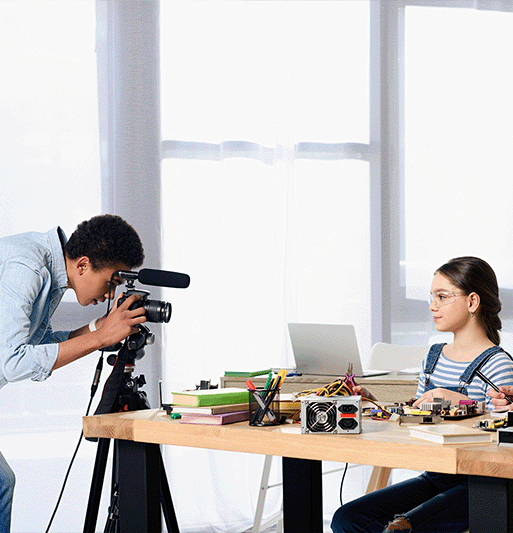
Depending on their age, students will be taught how to use a digital camera, a microphone, and video editing software for creating a movie. (Video creation and social media safety can be incorporated into classes upon request.)
Editing Movies
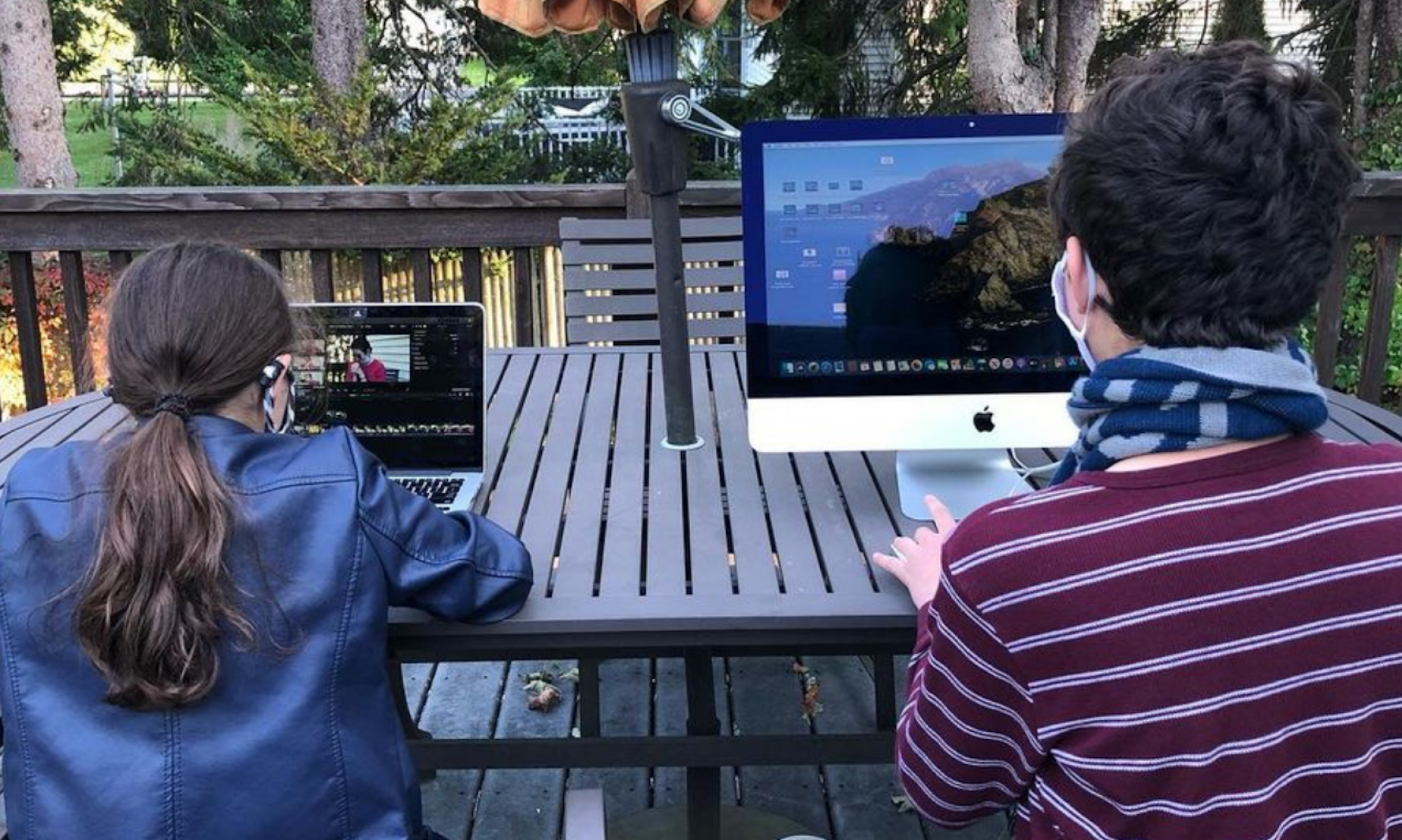
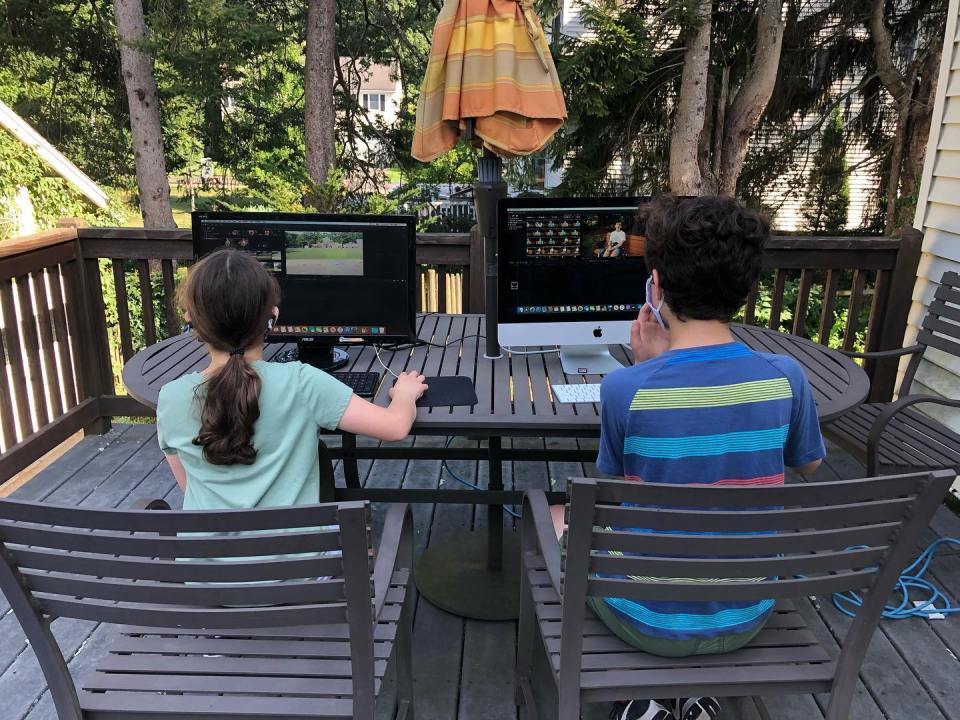
After all our movie footage has been taken, we move to the computer and put it all together! Students will use editing software like iMovie, Final Cut Pro, or Premiere based on level and interest. Within those software, they will learn how to add sound effects, video effects, and voiceovers to movies.
Always Recording
Does your kid always grab your phone to record themselves or the world around them? Let’s apply that curiosity to a creative use! Whether your kid loves acting, recording, or adding fun effects to their videos, we all work together to make a movie.
Active Imagination
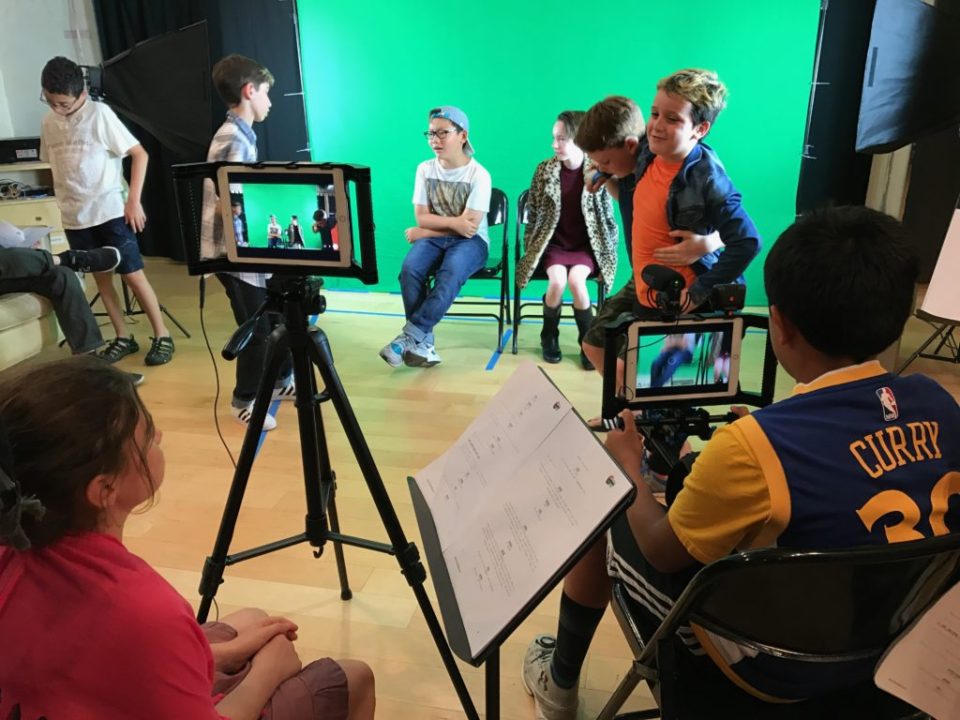
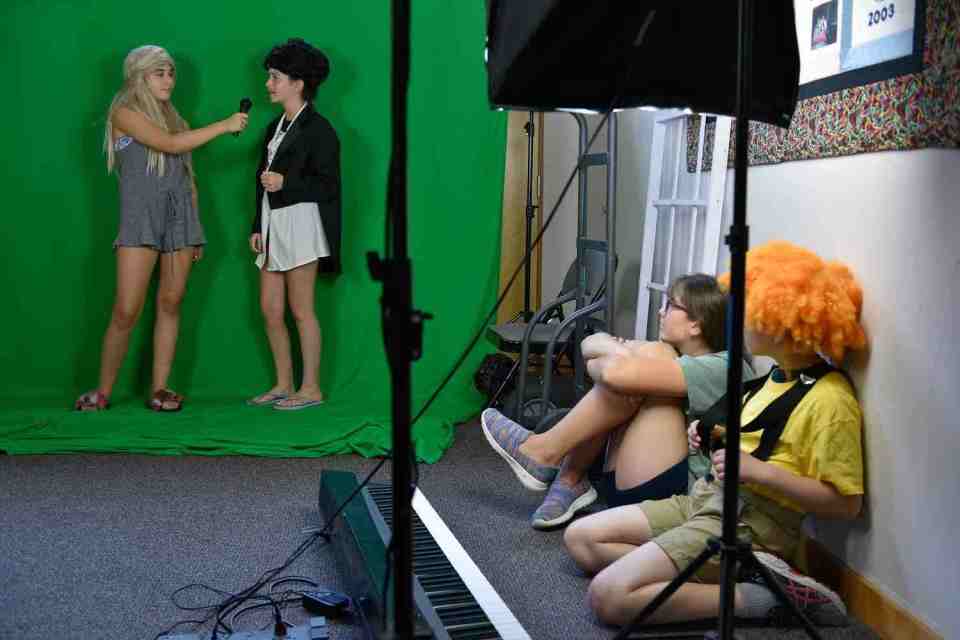
With special effects and a green screen, my students are transported to the wildest of worlds! All ideas are welcome and creativity is encouraged. Movie Making is an interactive process that keeps their brains and body active!
Film Aficionado
Do you have to budget for your kid’s pay-per-play movie addiction? Or maybe they just HAVE to see the latest Minions movie. If the answer is “yes”, then your kid’s future might be in cinema! In Movie Making, students will get to experience the intricate process behind film creation. Before you know it you’ll have to budget for tuition at Emerson College!
Writing, Acting, & Editing
Students will create a storyboard and/or screenplay for their movie depending on the project. After finishing our scripts, we’ll practice reading out lines and acting them on film! Then to finish the movie, we’ll move to the computers and edit our movies on video software.
Leadership
Just like on a film set, there are directors, actors, and production crew. In a safe setting, Movie Making students will get to try out different roles on our imaginary film set! For instance, directors will instruct the actors how to say their lines, and camera operators will be in charge of recording. We encourage kids to try out every role, but if a student is more comfortable behind the camera, that’s no problem!
Problem-solving
What if we wanted to film a person flying on top of a dragon? No doubt we’d have to think about that one. Thankfully we have a green screen! And maybe we could put a chair underneath the green screen… And maybe we could sit on the chair like it was a dragon! And…do you have a fan? We need our hair to be flowing in the wind! With wild ideas come problems to be solved!
What is taught?
Who is a good fit?
Educational Benefits
Story Creation
We will set up our own very writers room and come up for a plot for our movie! Students will get to create characters, choose locations, and choose the style of the movie (comedy, drama, silent, etc.). After we come up with the idea we write the script or improvise and see what happens!
How to Safely Use Film Equipment
Depending on their age, students will be taught how to use a digital camera, a microphone, and video editing software for creating a movie. (Video creation and social media safety can be incorporated into classes upon request.)
Editing Movies
After all our movie footage has been taken, we move to the computer and put it all together! Students will use editing software like iMovie, Final Cut Pro, or Premiere based on level and interest. Within those software, they will learn how to add sound effects, video effects, and voiceovers to movies.
Always Recording
Does your kid always grab your phone to record themselves or the world around them? Let’s apply that curiosity to a creative use! Whether your kid loves acting, recording, or adding fun effects to their videos, we all work together to make a movie.
Active Imagination
With special effects and a green screen, my students are transported to the wildest of worlds! All ideas are welcome and creativity is encouraged. Movie Making is an interactive process that keeps their brains and body active!
Film Aficianado
Do you have to budget for your kid’s pay-per-play movie addiction? Or maybe they just HAVE to see the latest Minions movie. If the answer is “yes”, then your kid’s future might be in cinema! In Movie Making, students will get to experience the intricate process behind film creation. Before you know it you’ll have to budget for tuition at Emerson College!
Writing, Acting, & Editing
Students will create a storyboard and/or screenplay for their movie depending on the project. After finishing our scripts, we’ll practice reading out lines and acting them on film! Then to finish the movie, we’ll move to the computers and edit our movies on video software.
Leadership
Just like on a film set, there are directors, actors, and production crew. In a safe setting, Movie Making students will get to try out different roles on our imaginary film set! For instance, directors will instruct the actors how to say their lines, and camera operators will be in charge of recording. We encourage kids to try out every role, but if a student is more comfortable behind the camera, that’s no problem!
Problem-solving
What if we wanted to film a person flying on top of a dragon? No doubt we’d have to think about that one. Thankfully we have a green screen! And maybe we could put a chair underneath the green screen… And maybe we could sit on the chair like it was a dragon! And…do you have a fan? We need our hair to be flowing in the wind! With wild ideas come problems to be solved!
Example Lessons
Here are sample lesson plans from a 2D Animation course at Barrett’s Studio
Difficulty
4/5
Mockumentary (ages: 8-14)
Create your own imaginary documentary about an idea or fictional story! Maybe we’ll pretend we saw a REAL LIVE dinosaur in 2010, and nobody believes us. Or we follow the life of the first ever 10 year old President of the United States!
Skills used:
- Screenwriting
-
Acting
- Filming
- Video editing
Difficulty
2/5
Video Improv (ages: 5-8)
Sometimes our students just want to dress up, act silly, and watch the movie unfold! Maybe Superman and Mario race against each other in the desert, or Elsa and a Minion go on an adventure in Candy Land? In this lesson it’s all about having fun and seeing how fast we can think on our feet!
Skills used:
- Character acting
-
Improv
- Filming
Movie Making Classes Available
Available Classes
Movie Making classes offered in Needham, Ma!
Private Lessons
Movie Making private lessons and classes in Metrowest Boston.
Available Classes
Movie Making classes offered in Needham, Ma!
Private Lessons
Movie Making private lessons and classes in Metrowest Boston.
Frequently Asked Questions
What ages can take Movie Making?
We offer classes and private lessons to kids ages 5-15! Our lessons are designed to fit the needs of each student’s age and comprehension level.
Where do you offer in-person classes?
Our in-person classes are location in Needham, Massachusetts! But we also coordinate with parents to create in-person classes at their home in the Metrowest Boston area.
Yes, we do!
While it is recommended to have a computer, our teachers can bring their computer with them to an in-home lesson.
*A computer is required for virtual lessons.
Do we need to buy materials and supplies?
All materials and supplies are provided by the teacher. We also coordinate with parents if a computer and/or camera needs to be provided.
How long do classes or private lessons last?
Most of our in-person classes are one hour long but private lessons can be planned to fit the amount of time needed for the student.
Sign up to learn more!
Get first access to class registration, future events, special discounts, and more!
Phone Number
Subscribe
You have been successfully Subscribed!
Ops! Something went wrong, please try again.
 Barrett's Studio