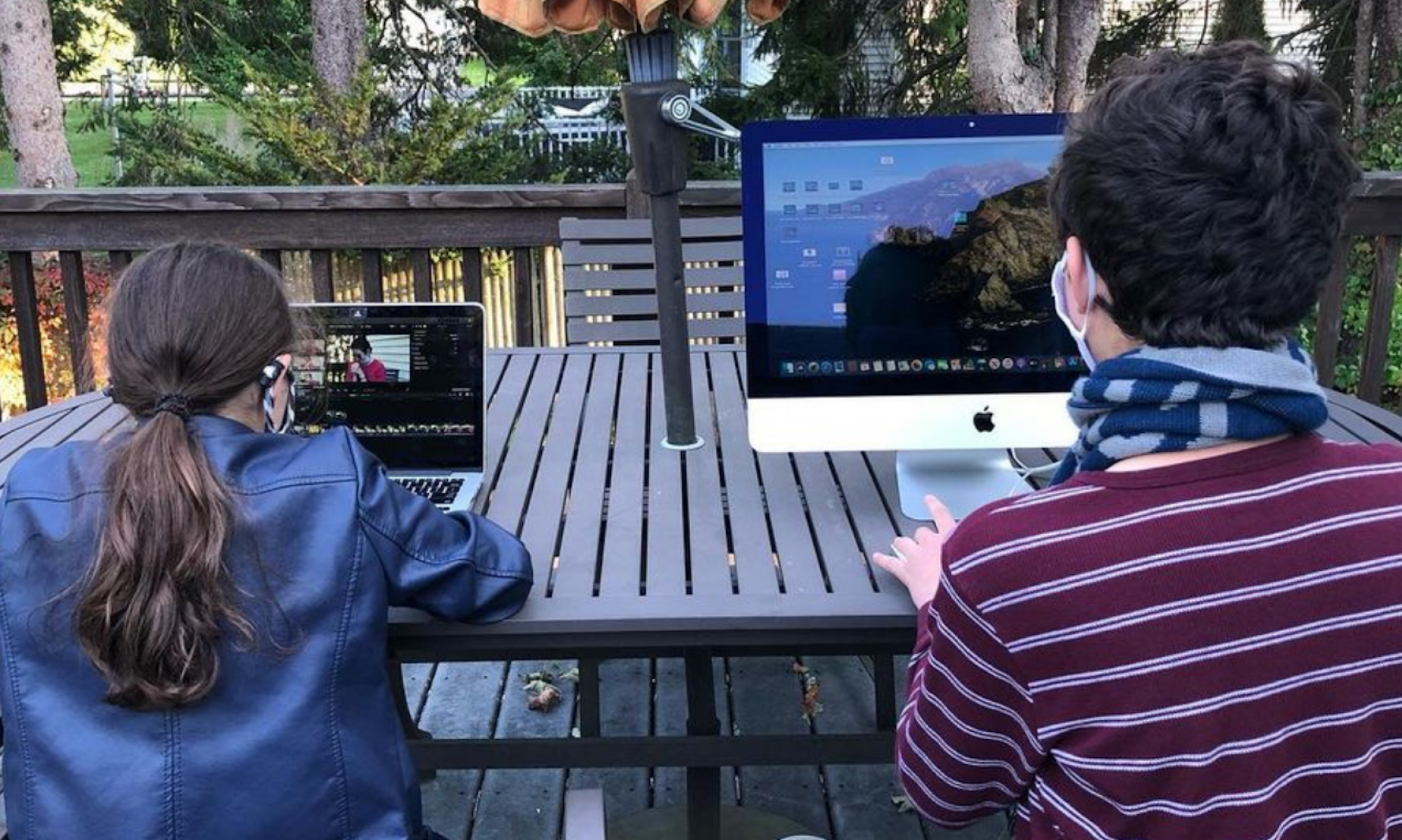
2D Animation Classes
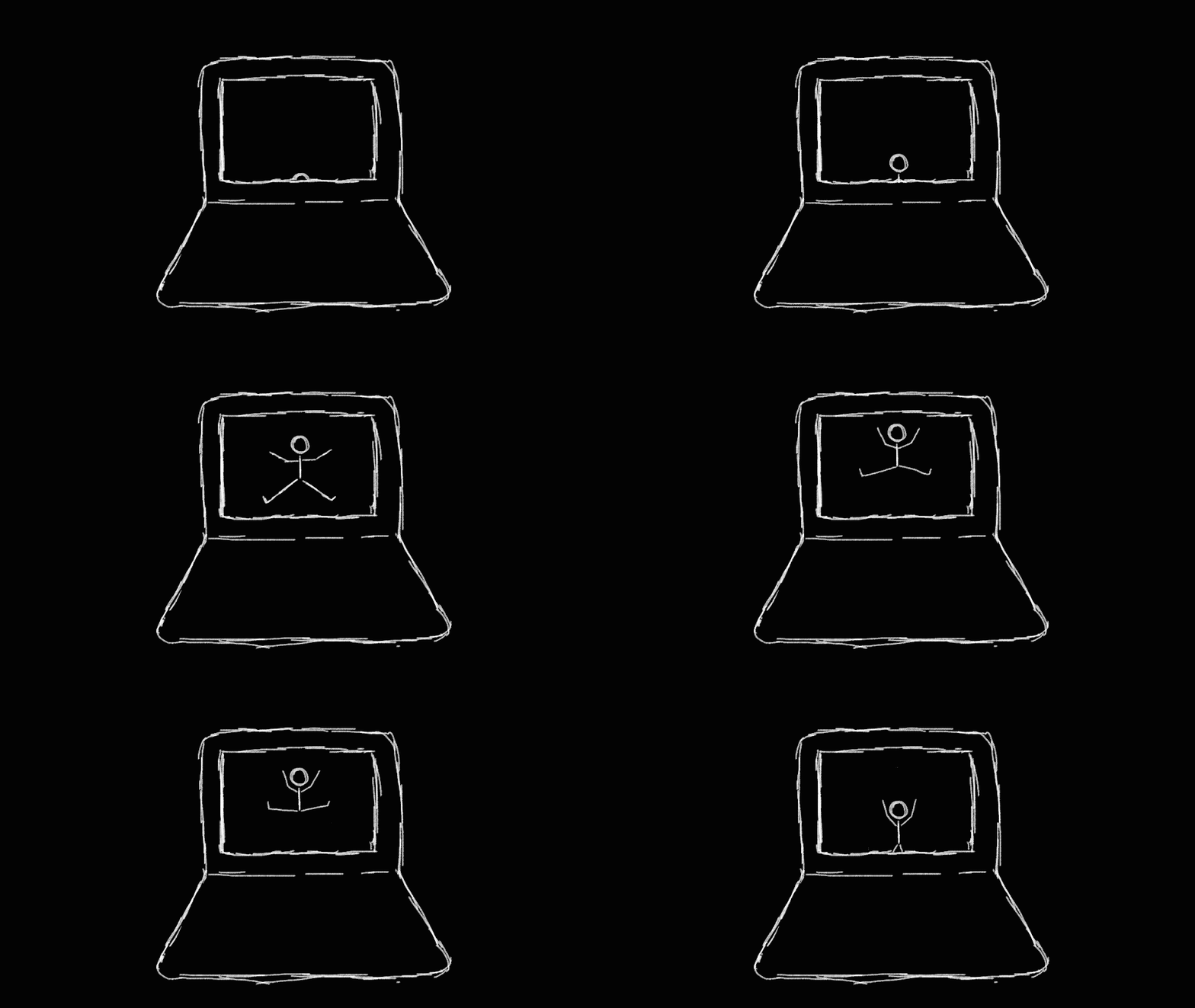
All about Computer Animation!
What is taught?
Who is a good fit?
Educational Benefits
The Principles of Animation
Students will learn the essential “laws of animation” needed to create a life-like animation. Principles like “Squash & Stretch,” “Timing,” and “Arcs,” were created by Disney animators in their quest to create realistic animations.
How to Use Animation Software
In Computer Animation, students will be taught how to bring drawings and shapes to life using animation software! Depending on their age and experience, students will use software like ToonBoom Harmony, Adobe Animate, Wick Editor, Procreate Dreams, and more!
Story Creation
By storyboarding an animation students will turn their idea into an actionable sequence of animations. From there, they will animate their scenes and do voiceovers or add music to the background!
Disciplined Doodlers
Does your kid spend hours drawing and doodling? Why not have them expand on those skills and bring their drawings to life? Using a digital pen or trackpad, students will be able to doodle and draw in the animation software and maneuver their characters to do any kind of fun action!
Quirky & Creative
Animation often attracts a whimsical type of individual who has a whole slew of ideas they want to create! Kids who are very imaginative and are expressing different ideas every ten minutes might just be a good fit for computer animation. Being different is okay and even awesome as an animator!
Technology Enthusiasts
Is your kid always on their iPad? Or just loves video games and funny videos? Once they discover how fun it is to animate, they’ll want to make their own games and videos! Computer animation takes a bit of patience… speaking from experience… but once you start you can’t stop!
Creative Expression
Computer Animation teaches students how to build brand-new concepts and/or expand on older ones. Through brainstorming and then storyboarding their animations, students access their innate imaginative abilities and apply it to their movie.
Laws of Physics
The 12 Principles of Animation, taught in Computer Animation, honor the basic laws of physics. Students learn about volume, weight, inertia, gravity, momentum, and force and how to apply these laws to their animations.
Problem-solving
When creating a computer animation, students will make mistakes! This is why we offer gradual lessons on how to use the software. Also, these are great opportunities to see how applying one of the principles of animation can solve the problem.
What is taught?
Who is a good fit?
Educational Benefits
The Principles of Animation
Students will learn the essential “laws of animation” needed to create a life-like animation. Principles like “Squash & Stretch,” “Timing,” and “Arcs,” were created by Disney animators in their quest to create realistic animations.
How to Use Animation Software
In Computer Animation, students will be taught how to bring drawings and shapes to life using animation software! Depending on their age and experience, students will use software like ToonBoom Harmony, Adobe Animate, Wick Editor, Procreate Dreams, and more!
Story Creation
By storyboarding an animation students will turn their idea into an actionable sequence of animations. From there, they will animate their scenes and do voiceovers or add music to the background!
Disciplined Doodlers
Does your kid spend hours drawing and doodling? Why not have them expand on those skills and bring their drawings to life? Using a digital pen or trackpad, students will be able to doodle and draw in the animation software and maneuver their characters to do any kind of fun action!
Quirky & Creative
Animation often attracts a whimsical type of individual who has a whole slew of ideas they want to create! Kids who are very imaginative and are expressing different ideas every ten minutes might just be a good fit for computer animation. Being different is okay and even awesome as an animator!
Technology Enthusiasts
Is your kid always on their iPad? Or just loves video games and funny videos? Once they discover how fun it is to animate, they’ll want to make their own games and videos! Computer animation takes a bit of patience… speaking from experience… but once you start you can’t stop!
Creative Expression
Computer Animation teaches students how to build brand-new concepts and/or expand on older ones. Through brainstorming and then storyboarding their animations, students access their innate imaginative abilities and apply it to their movie.
Laws of Physics
The 12 Principles of Animation, taught in Computer Animation, honor the basic laws of physics. Students learn about volume, weight, inertia, gravity, momentum, and force and how to apply these laws to their animations.
Problem-solving
When creating a computer animation, students will make mistakes! This is why we offer gradual lessons on how to use the software. Also, these are great opportunities to see how applying one of the principles of animation can solve the problem.
Student Work
Assorted Computer Animation
An assortment of computer animations created by Barrett’s Studio students!
Matthew’s Animation
Two stick figures throwing a ball back and forth!
Example Lessons
Here are sample lesson plans from a 2D Animation course at Barrett’s Studio
Difficulty
3/5
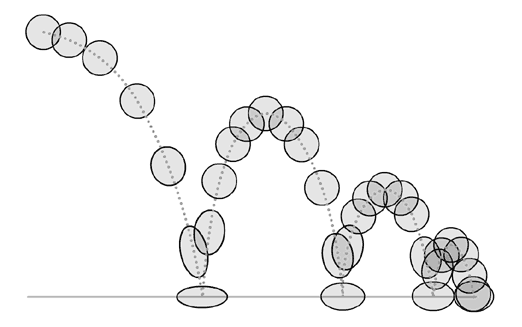
A Bouncing Ball
In this lesson, students will learning the animation principles of “Squash and Stretch” and “Timing” to create the illusion of a ball bouncing. This is one of the foundational lessons in animation that helps students comprehend the physics of animation.
Materials Needed:
- Animation Software
Difficulty
5/5
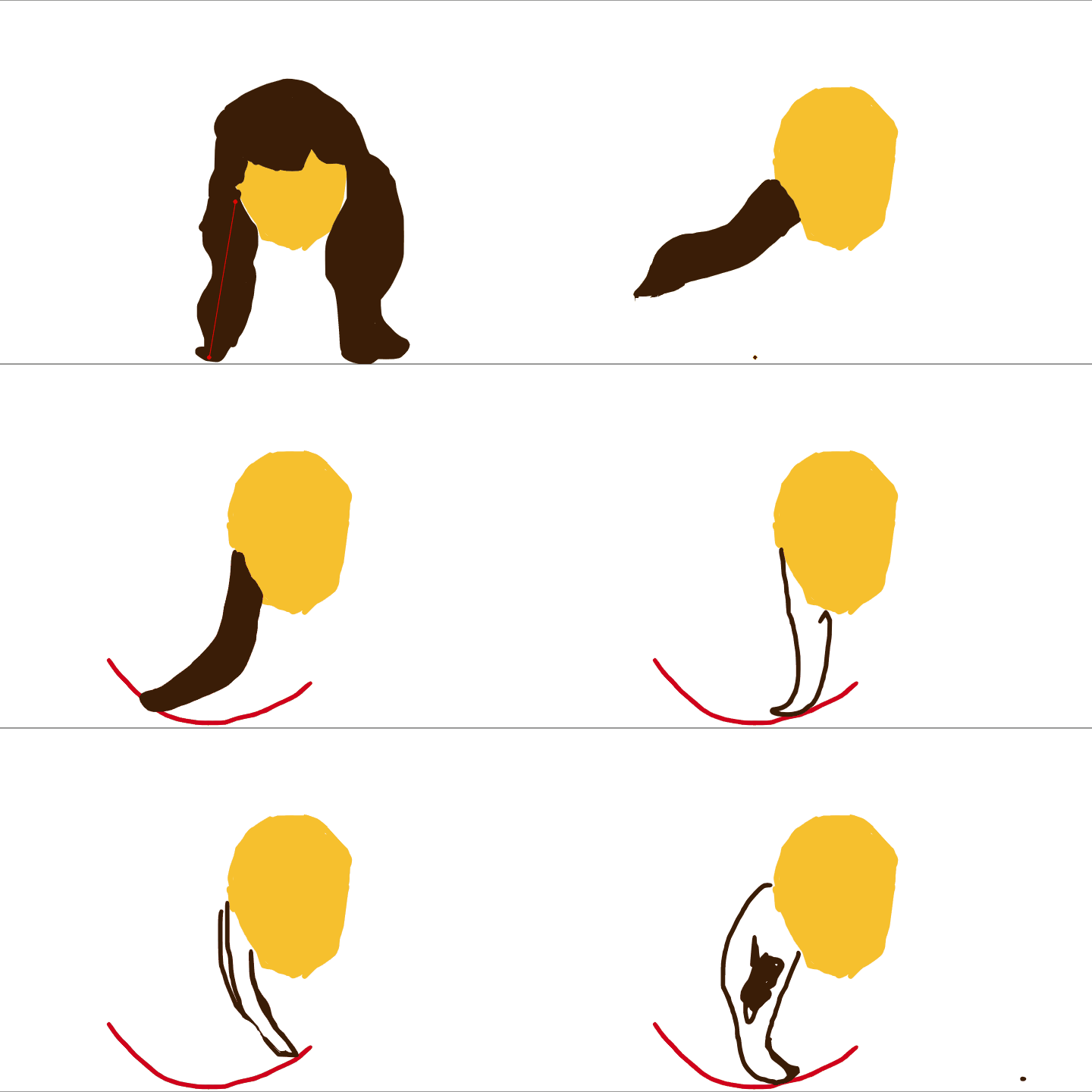
How to Animate Hair
Animating hair is one of the harder lessons in animation. Fortunately it can be made simple by using some principles of animation. In this lesson we use “Arcs”, “Timing,” and The Wave Principle.
Materials Needed:
- Digital Pen
- Drawing Tablet
- Animation Software
2D Animation Classes Available
Available Classes
2D Animation classes offered in Needham, Ma!
Private Lessons
2D Animation private lessons and classes in Metrowest Boston.
Available Classes
2D Animation classes offered in Needham, Ma!
Private Lessons
2D Animation private lessons and classes in Metrowest Boston.
Frequently Asked Questions
What ages can take Computer Animation?
We offer classes and private lessons to kids ages 5-15!
Where do you offer in-person classes?
Our in-person classes are location in Needham, Massachusetts! But we also coordinate with parents to create in-person classes at their home in the Metrowest Boston area.
Yes, we do!
While it is recommended to have a computer, our teachers can bring their computer with them to an in-home lesson.
*A computer is required for virtual lessons.
Do we need to buy materials and supplies?
All materials and supplies are provided by the teacher. We also coordinate with parents if a computer and/or camera needs to be provided.
How long do classes or private lessons last?
Most of our in-person classes are one hour long but private lessons can be planned to fit the amount of time needed for the student.
Sign up to learn more!
Get first access to class registration, future events, special discounts, and more!
Phone Number
Subscribe
You have been successfully Subscribed!
Ops! Something went wrong, please try again.
 Barrett's Studio